San Diego Computer's Master of SharePoint! Darren Swanson.

Who is this handsome man?   Yes, it is Darren Swanson.   

Darren has worked for us forever. He is a pure expert in Office 365 and SharePoint. For any problems, troubleshooting, migrations, rights, or any kind of mastery, Darren is the best of the best!

Darren-SharePoint

Tenant-to-Tenant SharePoint Migrations—Planned, Precise, and Cloud-Powered

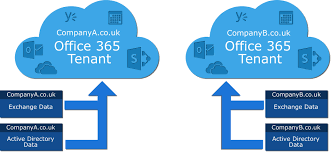
San Diego Computer Consulting® (SDCC) offers expert services for migrating SharePoint data from one Office 365 tenant to another—a common requirement during domain transitions, organizational realignments, or compliance restructuring.

🏗️ Why Planning Matters
SharePoint tenant-to-tenant migration is straightforward with the right tools and preparation. A key part of this process is scheduling a freeze on data updates—as any changes made to SharePoint during the move won’t carry over.

☁️ How We Execute
SDCC uses cloud-native migration tools to securely and efficiently transfer your full SharePoint environment, including:

  • Site collections and subsites
  • Libraries, lists, folders, and metadata
  • Permissions and user access controls
  • Document versions and workflows

⏱️ Timing Is Critical
We work with your team to define cutover windows that reduce disruption, protect data integrity, and ensure every critical component is migrated without loss.

With SDCC leading the process, your SharePoint migration is smooth, predictable, and supported every step of the way.

SharePoint Migration Explained

SharePoint Tenant-to-Tenant Migration—Planning for Performance and Precision

Migrating SharePoint content between Office 365 tenants is a straightforward but detail-sensitive process. San Diego Computer Consulting® ensures your migration is successful by anticipating platform limitations and optimizing your data beforehand.

🔁 How the Migration Works
SharePoint content is transferred library by library, including folders, documents, metadata, and version history. However, it’s important to note:

  • ⚠️ User permissions and access rights do not migrate automatically
  • 🧹 Destination SharePoint must be pre-provisioned with adequate storage
  • 🔍 Inventory scans help identify oversized or poorly structured libraries before migration

📦 Key SharePoint Limits to Respect

  • 📁 Library Size – Each library should contain fewer than 100,000 items to maintain performance
  • 🗂️ Folder Depth and Path Length – Long file paths and deep nesting structures can cause issues during migration
  • 🚫 Avoiding Upload Failures – Trimming excessive subfolders and archiving outdated files helps reduce risk

📈 Why This Is an Opportunity
A tenant-to-tenant migration is the perfect time to assess your SharePoint health. SDCC provides pre-migration assessments to ensure every library is lean, scalable, and within Microsoft’s best practice thresholds—helping your team hit the ground running post-move.
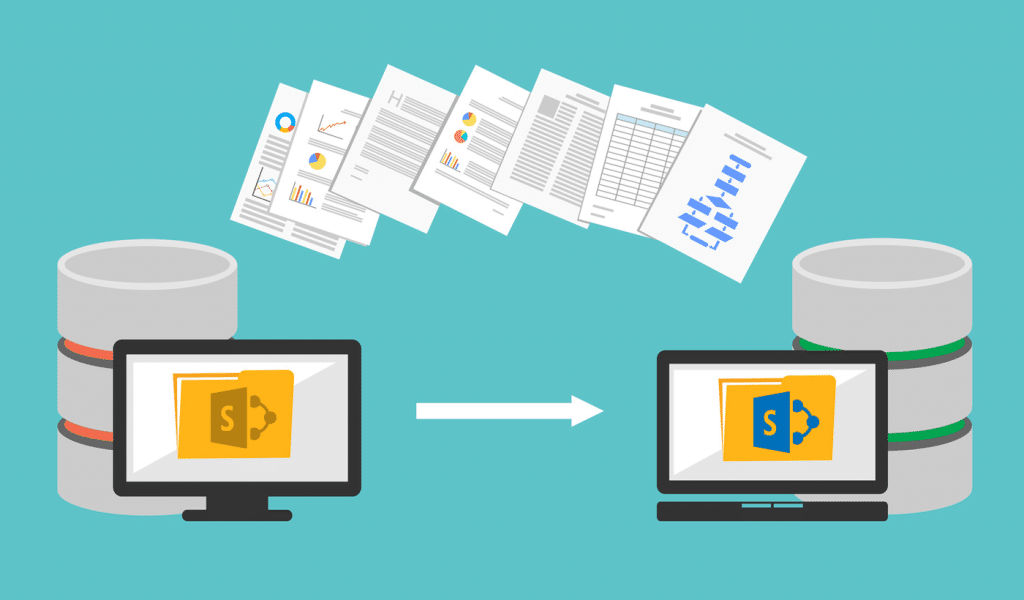
Sharepoint-Migration
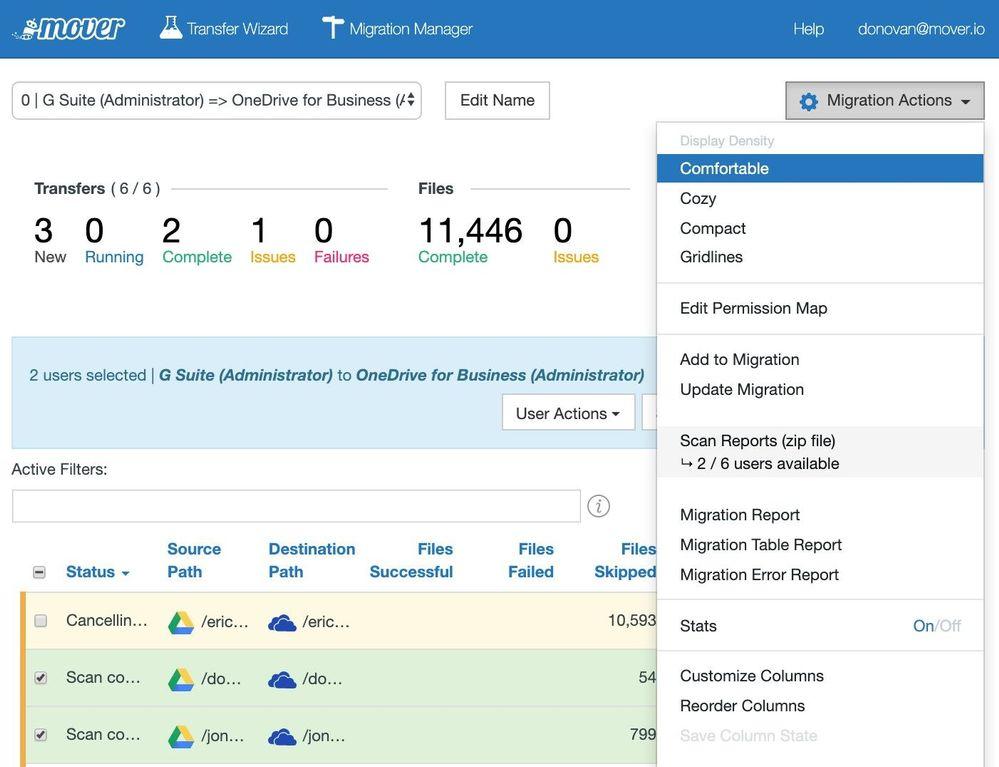
003_ODSP-migration-security-admin-server_Mover-pt.2

SharePoint Migraiton Timeline/Delta.

San Diego Computer Consulting® highlights the following key constraints and planning factors when performing SharePoint migrations between Office 365 tenants:

📏 Path Size Limits

  • Microsoft enforces a 400-character limit on SharePoint file paths.
  • This includes the entire URL path—site, library, folders, and file name.
  • Paths exceeding this limit will fail during migration, so deep folder nesting and long file names must be reviewed and shortened beforehand.

Timeline & Delta Restrictions

  • SharePoint migrations do not support delta synchronization—meaning any changes made during migration will not be captured post-cutover.
  • It’s critical to freeze all updates on the source SharePoint site during the migration window.
  • The cutover must be scheduled during a defined period of inactivity to ensure data consistency.


🏛️ Government GCC Tenant Limitations

  • SharePoint tenant-to-tenant migrations are not supported within GCC environments due to increased compliance restrictions.
  • GCC tenants require specialized migration methods and security protocols that differ from standard Microsoft 365 tenants.
  • SDCC offers tailored solutions for GCC clients—including manual exports, structured rebuilds, and scoped permission planning.

Planning ahead for these constraints helps ensure your SharePoint migration is smooth, compliant, and complete. SDCC provides expert assessments, tool-driven migration strategies, and full project coordination to keep your data safe and intact.

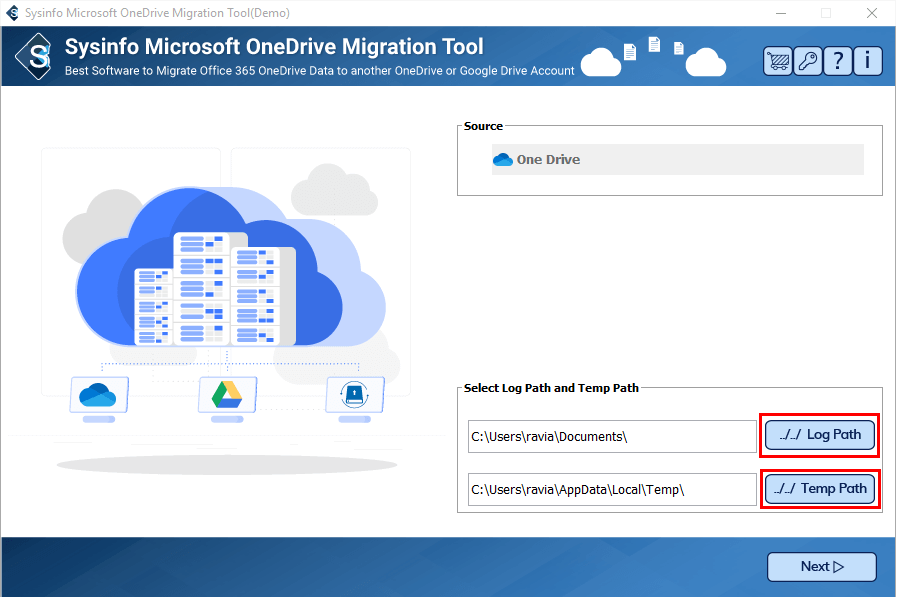
Don't worry, we can migrate your One Drive, too.

Key Considerations for OneDrive Tenant-to-Tenant Migrations

🔐 Permissions & Identity Mapping

  • All users and groups included in the identity mapping file will retain their access permissions for migrated OneDrive content.
  • This ensures continuity of access in the target tenant once the migration is complete.

⚖️ Legal Hold Policies

  • OneDrive accounts under a legal hold (e.g. for compliance or eDiscovery) cannot be migrated until the hold is lifted.
  • To migrate these accounts:
  1. Temporarily remove the hold policy
  2. Complete the migration
  3. Reapply the hold on the new tenant post-migration

🔗 Shared Link Redirects

  • After migration, shared links to content in the original tenant will automatically redirect to the new tenant location—if the user still has access.
  • These redirects persist until the source tenant is deprovisioned.
  • Admins may remove redirects selectively on a site-by-site basis if needed.
OneDrive
Mover

Moving G-Suite & Dropbox to SharePoint

Cloud Platform Migrations to SharePoint—Powered by Mover.io

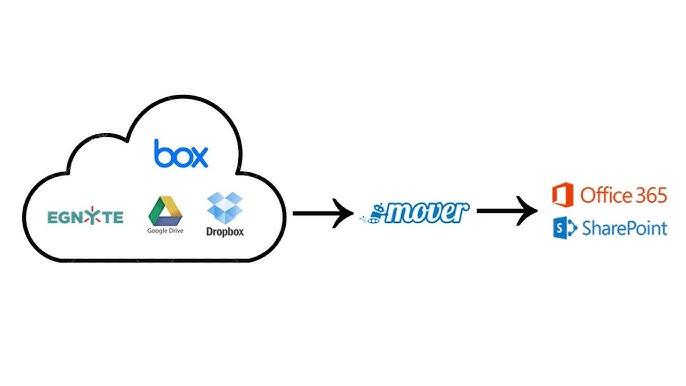
San Diego Computer Consulting® (SDCC) leverages Mover.io, a Microsoft tool purpose-built for migrating data from major cloud storage platforms into SharePoint Online. Whether you’re moving from Amazon S3, Box, Dropbox, or Google Drive, Mover provides a powerful way to transfer your datasets securely and efficiently.

📦 What We Migrate

  • Documents, media, and data libraries from supported platforms
  • File structures and folder hierarchies
  • Compatible Google Drive files (Docs, Sheets, Slides may be converted to Microsoft formats)

⚠️ Important Limitations

  • 🔐 Permissions Do Not Transfer – Folder-level and file-level user rights must be manually re-established in SharePoint
  • 📝 Google Drive Compatibility – Some native Google files may not fully convert or retain formatting; pre-migration review is essential

🧭 Our Process

  • Inventory and map content from the source platform
  • Validate file compatibility and structure
  • Provision target SharePoint libraries with adequate storage
  • Migrate using Mover.io’s secure cloud-to-cloud tools
  • Rebuild user permissions and access controls post-migration

Migrating cloud data into SharePoint is more than just moving files—it’s about ensuring usability, access, and governance on the destination platform. SDCC guides every step for a streamlined, trouble-free transition.

Conversion: Email, Contact, Calendar, Tasks, and notes

What to Expect When Migrating from Gmail to Microsoft Office 365

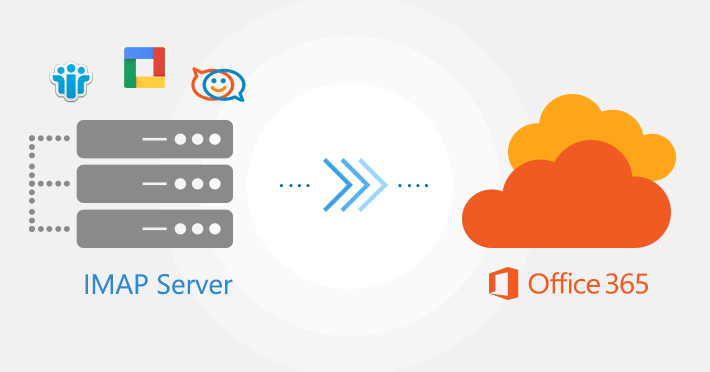
Migrating from Gmail to Microsoft 365 is a highly specialized operation that requires careful planning, precise configuration, and expert coordination. San Diego Computer Consulting® utilizes trusted tools such as BitTitan and Mover.io to ensure your transition is complete, secure, and disruption-free.

🧠 Why It’s Complex

  • Gmail uses IMAP, a legacy email protocol, which requires specialized migration techniques
  • Data rights and API-level access must be configured between Google Workspace and Microsoft 365
  • A secure trust bridge must be established between platforms before data transfer begins

📦 What We Migrate Using BitTitan

  • 📨 Email messages and folder structure
  • 👥 Contacts and address book entries
  • 📆 Calendar events and recurring meetings
  • 📋 Tasks and Outlook-compatible items

☁️ Cloud Drive Migration with Mover.io

For organizations using Google Drive, SDCC employs Mover.io to transfer files, libraries, and shared content to SharePoint Online. We handle:

  1. Document conversion (where supported) from Google-native formats to Microsoft Office equivalents
  2. Folder structure mapping and library provisioning
  3. Post-migration permissions setup (as rights do not automatically transfer)

📅 Expectations and Timing

  • Pre-migration setup includes securing OAuth tokens, defining scopes, and mapping identities
  • Migration schedules are based on company size, data volume, and operational timing
  • Post-migration cleanup includes user training, reconfiguring shared links, and applying retention policies

Have any other questions? Want to learn more? Contact us for complimentary first consultation.