Copilot is designed to work with SharePoint.

Microsoft Copliot is best designed to work in SharePoint.

And, why should it not be?  Moving to SharePoint is the desired cloud path in the Microsoft world.   SharePoint is replacing the file server.  By moving into SharePoint, your documents will live in the cloud.   The next natural step is to integrate that data to work alongside of Copilot.   Copliot works best with data in SharePoint.
Copilot-sharepoint

SharePoint is one of the easiest and most common places for Copilot to access business data,

Microsoft Copilot, AI

Copilot AI is the solution that we at San Diego Computer Support.   Though there are many other options that are very good, Microsoft AI is a service that comes with your Microsoft 365 Office subscription.   And as your documents become more cloud based, you will be able to integrate Co-Pilot more easily to help you with reports, analysis, and writing tools that will help you with critical thinking and solutions.

Simple Breakdown of Copliot with Data Access

Copilot can access your data if…

  • It lives in Microsoft 365 services you already use
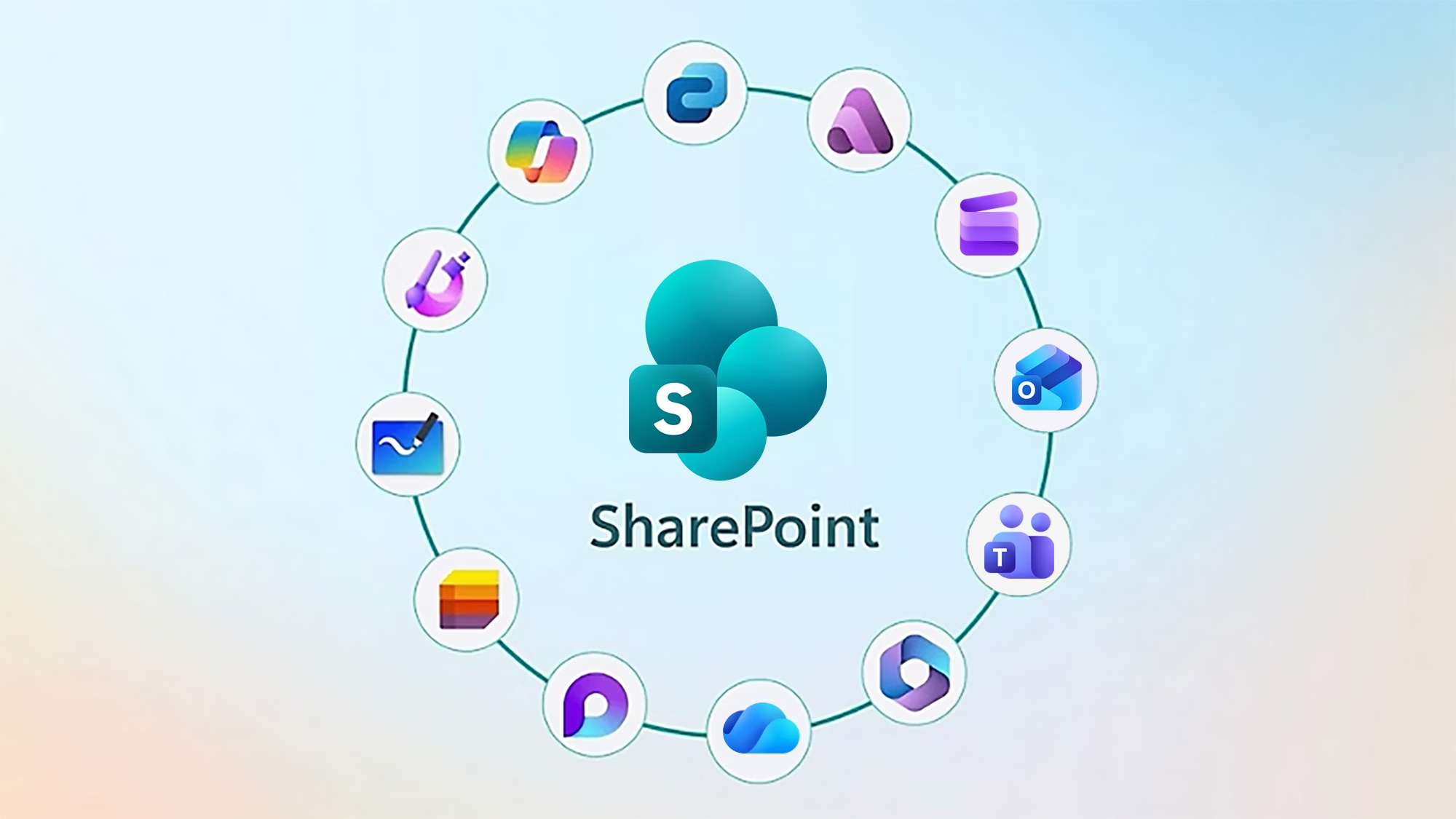
    (SharePoint, OneDrive, Teams, Outlook, Loop, etc.)
  • You connect external systems through Copilot Studio connectors
  • You upload files directly during a conversation
  • Your organization enables Graph connectors to bring in data from CRMs, ERPs, databases, or custom apps

Copilot cannot access your data if…

  • It’s stored only on local drives, personal laptops, or network shares
    (unless you move or sync it into a supported service)
  • It’s in a system that hasn’t been connected through a connector

So does it have to be in SharePoint?

Short Answer: NO!

But SharePoint and OneDrive are the most seamless because Copilot already understands their structure, permissions, and security model.

For most organizations, the path of least resistance is:

  • Move team files into SharePoint/OneDrive
  • Keep sensitive or structured data in your existing systems
  • Connect those systems to Copilot when you’re ready


Go Rory.   Our great SharePoint trainer.