Who is this handsome man? Yes, it is Darren Swanson.
Darren has worked for us forever. He is a pure expert in Office 365 and SharePoint. For any problems, troubleshooting, migrations, rights, or any kind of mastery, Darren is the best of the best!

Who is this handsome man? Yes, it is Darren Swanson.
Darren has worked for us forever. He is a pure expert in Office 365 and SharePoint. For any problems, troubleshooting, migrations, rights, or any kind of mastery, Darren is the best of the best!
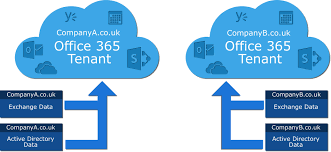
San Diego Computer Consulting® (SDCC) offers expert services for migrating SharePoint data from one Office 365 tenant to another a common requirement during domain transitions, organizational realignments, or compliance restructuring.
SharePoint tenant-to-tenant migration is straightforward with the right tools and preparation. A key part of this process is scheduling a freeze on data updates as any changes made to SharePoint during the move won’t carry over.
SDCC uses cloud-native migration tools to securely and efficiently transfer your full SharePoint environment, including:
We work with your team to define cutover windows that reduce disruption, protect data integrity, and ensure every critical component is migrated without loss.
SharePoint Tenant-to-Tenant Migration—Planning for Performance and Precision
Migrating SharePoint content between Office 365 tenants is a straightforward but detail-sensitive process. San Diego Computer Consulting® ensures your migration is successful by anticipating platform limitations and optimizing your data beforehand.
SharePoint content is transferred library by library, including folders, documents, metadata, and version history. However, it’s important to note:
Key SharePoint Limits to Respect
A tenant-to-tenant migration is the perfect time to assess your SharePoint health. SDCC provides pre-migration assessments to ensure every library is lean, scalable, and within Microsoft’s best practice thresholds—helping your team hit the ground running post-move.
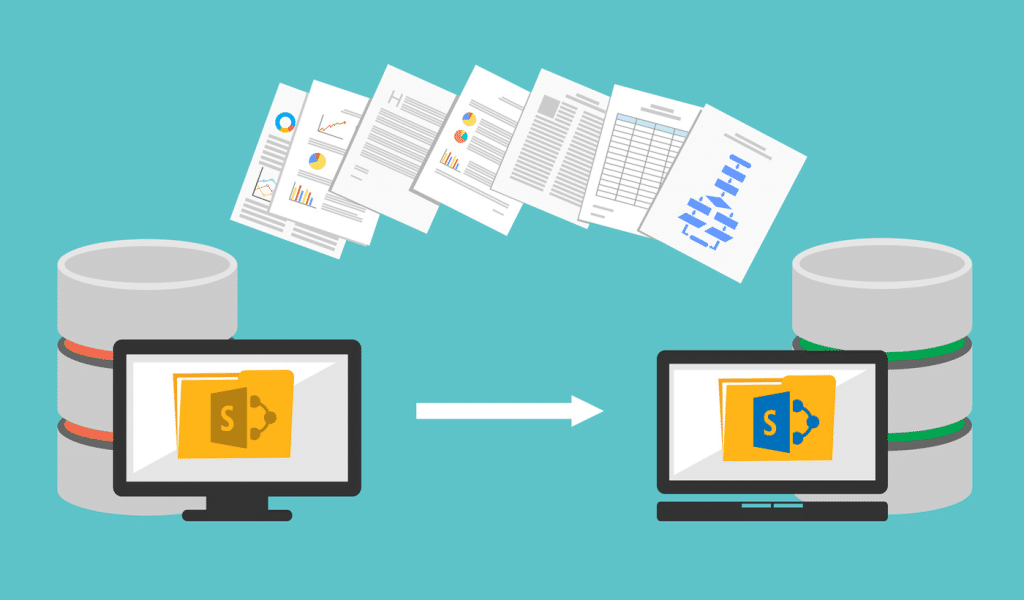
Constraints and planning factors when performing SharePoint migrations between Office 365 tenants:
Path Size Limits
Timeline & Delta Restrictions
Government GCC Tenant Limitations
Planning ahead for these constraints helps ensure your SharePoint migration is smooth, compliant, and complete. SDCC provides expert assessments, tool-driven migration strategies, and full project coordination to keep your data safe and intact.
Considerations for OneDrive Tenant-to-Tenant Migrations
Permissions & Identity Mapping
Legal Hold Policies
🔗 Shared Link Redirects
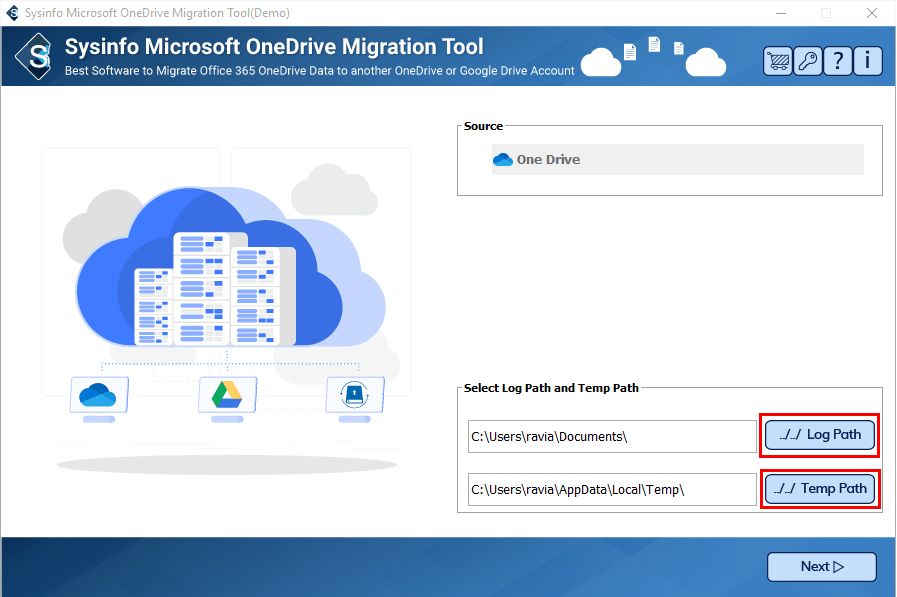

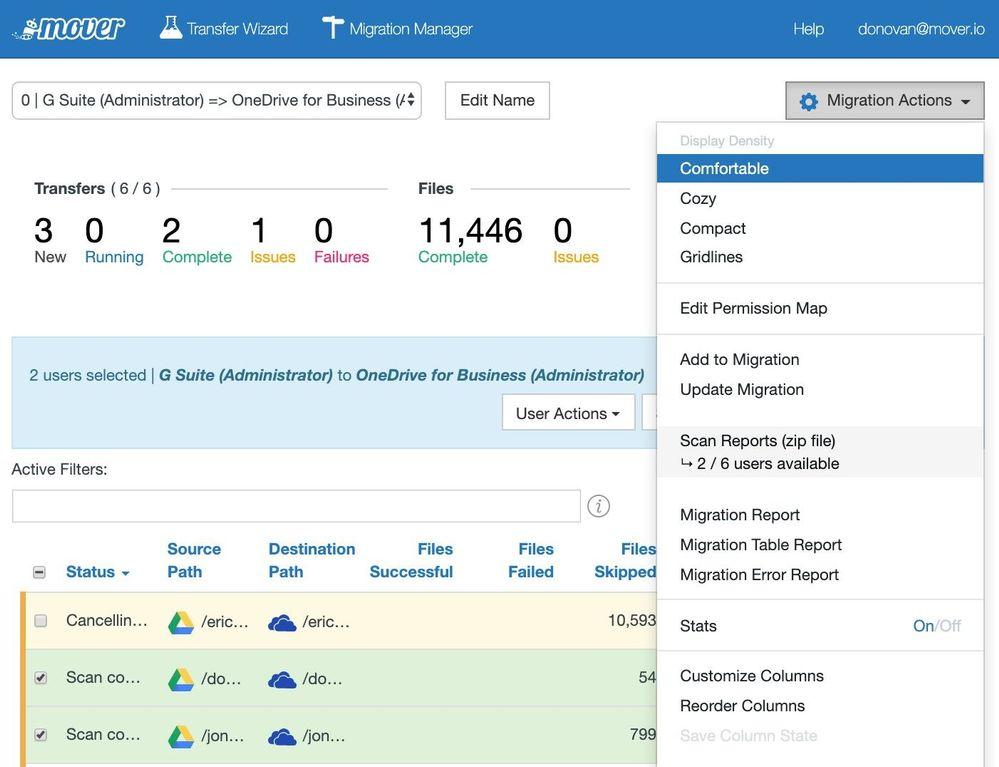
San Diego Computer Consulting uses tool Mover.io, a Microsoft tool purpose-built for migrating data from major cloud storage platforms into SharePoint Online. Whether you’re moving from Amazon S3, Box, Dropbox, or Google Drive, Mover provides a powerful way to transfer your datasets securely and efficiently.
What We Migrate
Important Limitations
Our Process
Migrating cloud data into SharePoint is more than just moving files—it’s about ensuring usability, access, and governance on the destination platform. SDCC guides every step for a streamlined, trouble-free transition.
Migrating from Gmail to Microsoft 365 is a highly specialized operation that requires careful planning, precise configuration, and expert coordination. San Diego Computer Consulting® utilizes trusted tools such as BitTitan and Mover.io to ensure your transition is complete, secure, and disruption-free.
Why It’s Complex
What We Migrate Using BitTitan
Cloud Drive Migration with Mover.io
For organizations using Google Drive, SDCC employs Mover.io to transfer files, libraries, and shared content to SharePoint Online. We handle:
Expectations and Timing
Have any other questions? Want to learn more? Contact us for complimentary first consultation.

