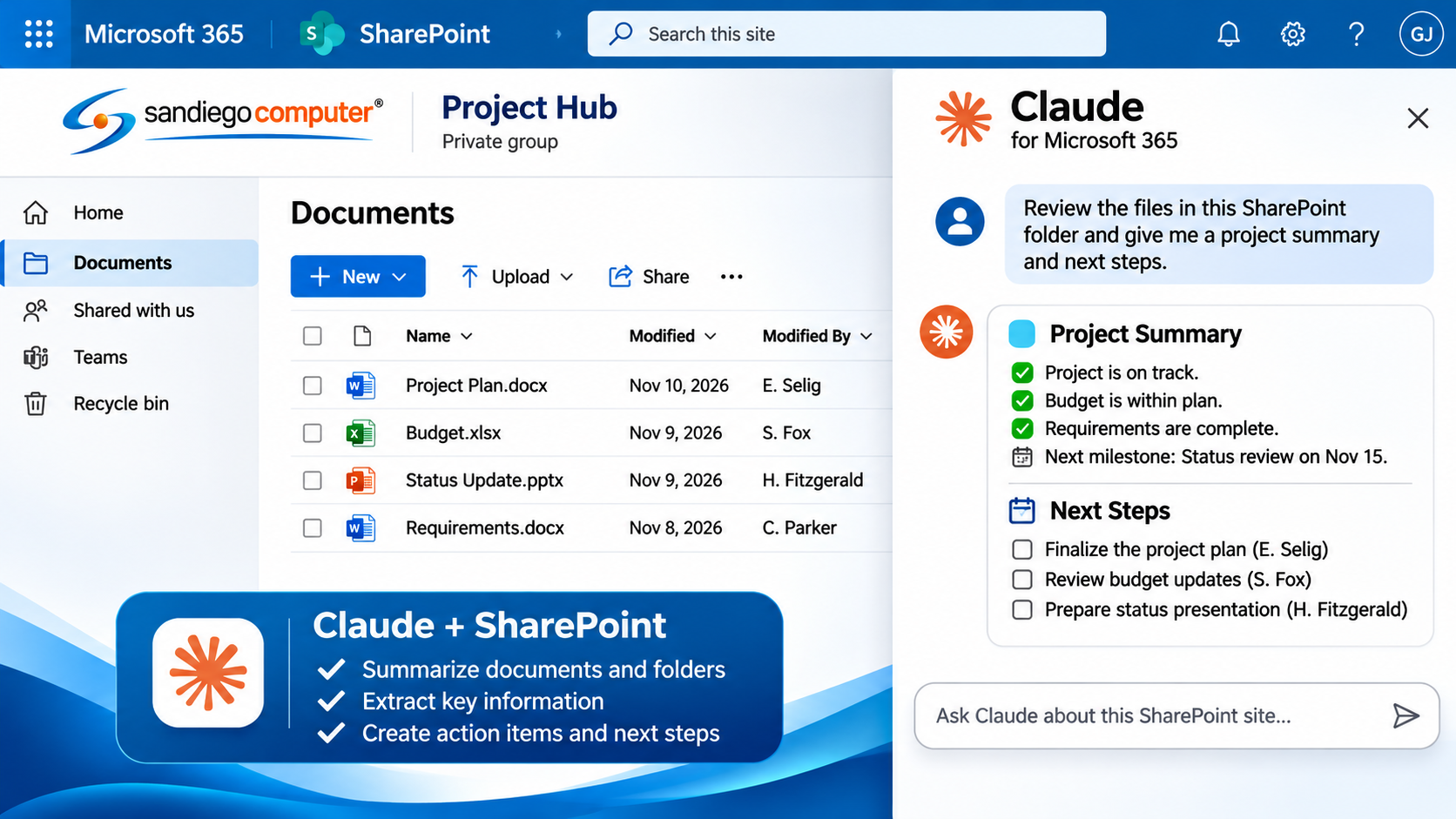
Claude can help employees review team conversations, summarize lengthy discussions, identify important decisions, prepare responses, and organize project information. When connected to Microsoft 365, Claude can also draw on authorized information from SharePoint and Outlook, helping employees bring together documents, emails, and team communications to make more informed decisions.
Claude AI For Office 365


We carefully integrate Claude AI maintaining control over corporate Teams communication, user identities, and confidential business information.
Teams Integration Helps Keep You on Task.
Claude Can Also Send Messages in Microsoft Teams
With the appropriate Microsoft 365 permissions, Claude can now send chat messages, start new conversations, post updates in Teams channels, and reply to existing discussions on behalf of a user. These capabilities are controlled by your organization’s administrator, ensuring that Claude operates within your established security policies.
Claude Help Center+1
What Else Can Claude AI Do for Microsoft Teams?
Beyond summarizing meetings and conversations, Claude AI can help transform Microsoft Teams into a more intelligent workplace. By connecting Teams with Outlook, SharePoint, and other Microsoft 365 resources, Claude can help employees manage projects, find information, prepare reports, and automate everyday business tasks.

Need Help with PowerPoint Presentations?
Claude AI makes it easier for businesses to import, organize, and manage information in Microsoft Excel. Using properly configured integrations, Claude can gather data from sources such as SharePoint, accounting systems, customer databases, sales reports, CSV files, and other business applications, then organize that information into structured Excel spreadsheets.
Claude can automatically format columns, clean up inconsistent data, eliminate duplicate entries, and combine information from multiple sources into a single workbook. Once the data is imported, Claude can analyze the results, identify trends, create comparison charts, and generate reports that help businesses make better decisions.
The Strengths of Claude AI Interacting with Microsoft PowerPoint
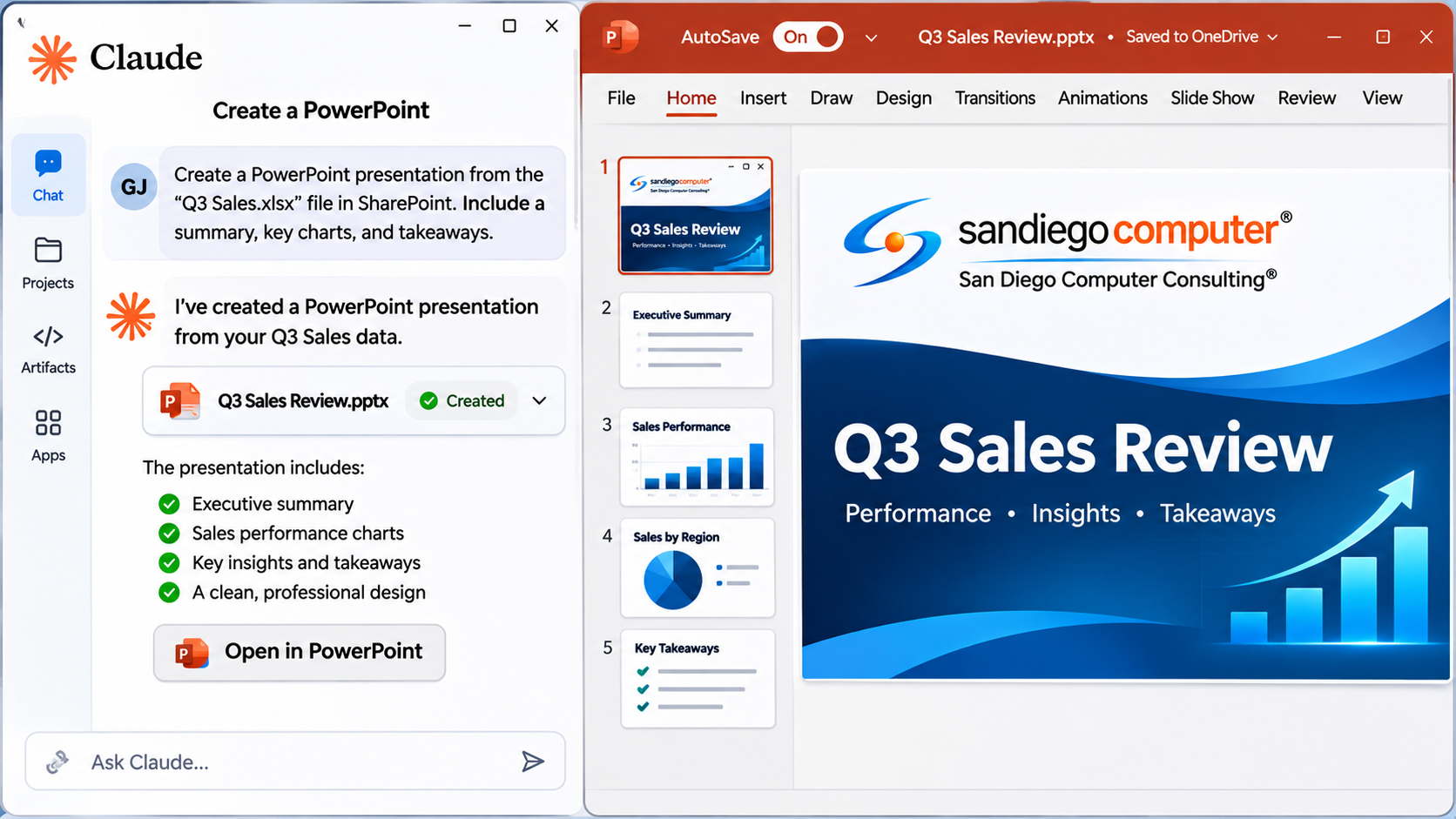
Claude AI brings a powerful new level of intelligence to Microsoft PowerPoint, allowing businesses to create professional, data-driven presentations in a fraction of the time. One of Claude’s greatest strengths is its ability to take complex information from Excel spreadsheets, SharePoint documents, Outlook emails, and other business resources and transform it into clear, visually engaging presentations. Claude can analyze financial data, identify trends, generate charts and graphs, create executive summaries, and organize information into a compelling presentation. Whether you are preparing a sales report, management presentation, project update, or customer proposal, Claude helps turn raw information into meaningful business insights.
Claude for Teams User Permissions
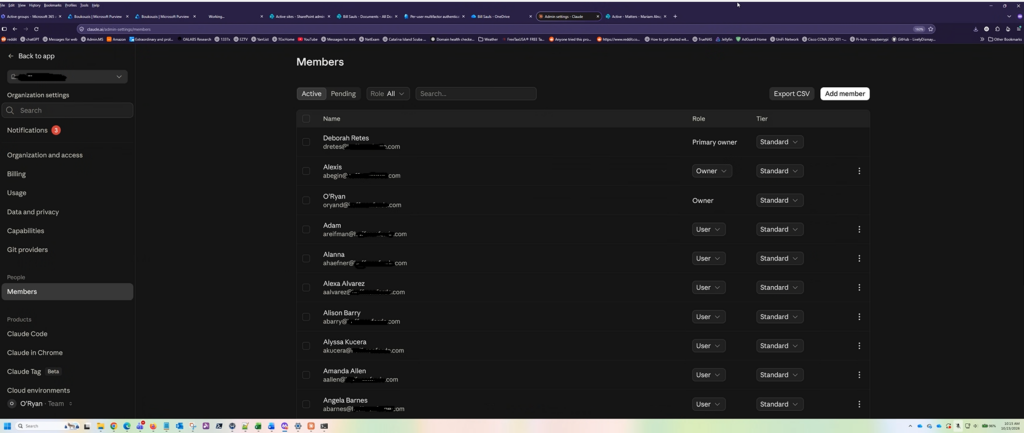
By configuring Microsoft Entra ID, Microsoft Graph API permissions, and appropriate administrative roles, we can control which Office 365 resources Claude is authorized to access, including Outlook email, SharePoint documents, user accounts, and administrative information. Our Claude AI Integration Engineer, O’Ryan Doyle, helps establish secure, role-based permissions so Claude can assist authorized users with reporting, account management, licensing analysis, and everyday administrative tasks. By following Microsoft’s least-privilege security practices, we help businesses take advantage of Claude AI while maintaining control over sensitive company information and administrative functions.