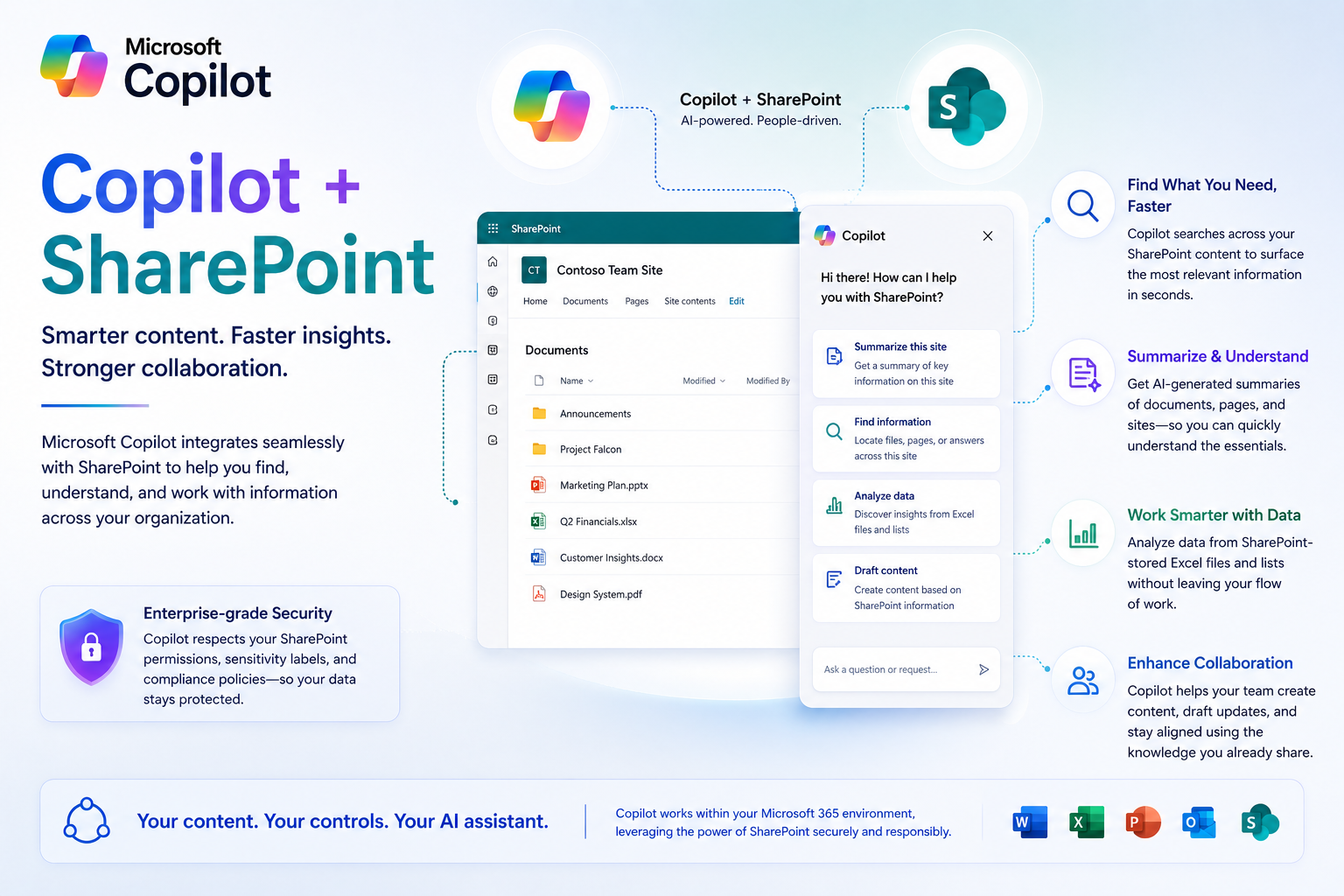
Copilot is designed to work with SharePoint.

Microsoft Copilot is designed to integrate seamlessly with SharePoint, enabling users to work more efficiently by leveraging AI-powered capabilities within their existing workflows. With Copilot, you can quickly search and retrieve documents, summarize content, and generate new materials based on data stored in SharePoint. It also helps automate routine tasks and supports collaboration by providing insight and recommendations directly within the SharePoint environment.

 Implementation Roadmap

  1. Identify high‑value use cases
  2. Train staff on basic prompts
  3. Integrate Copilot into daily workflows
  4. Monitor usage and refine processes
  5. Expand to advanced automation
Copilot-sharepoint

You can use Copilot in your daily digital routine to improve your productivity.

Copliot for all your computing needs.

Microsoft Copilot is an excellent comprehensive tool that can work along side of you and your staff to help improve undetstanding, knowledge, insight while improving prodcutiivty to your personal and office space.    Microsoft Copliot is an integrated system with Microsoft Office 365.  This allows you to use the it along with your productivity suite.

Use Copilot to help you with new idea's, edits, and rewrites for your document creation.

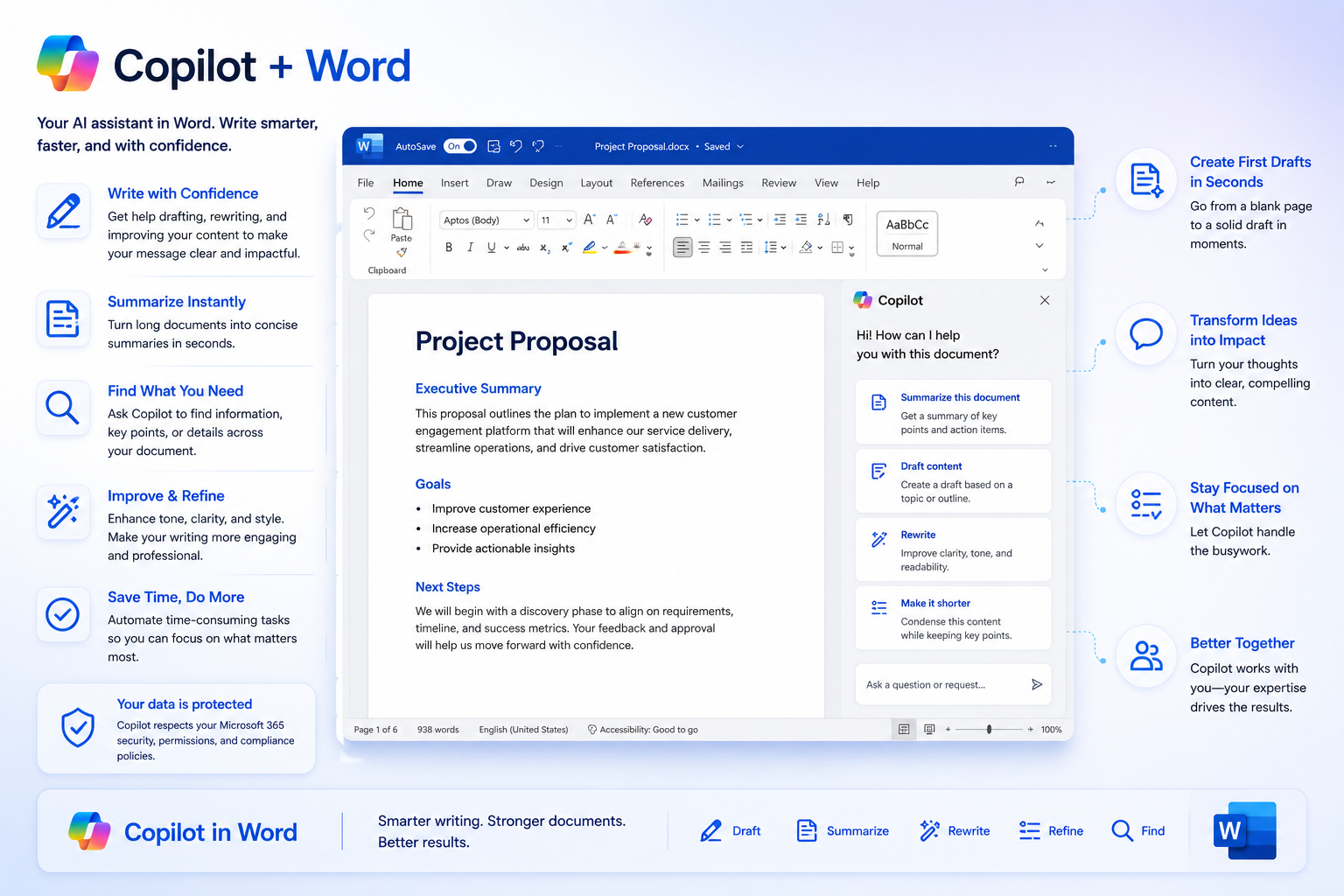
Copliot in Microsoft Word

Microsoft Copilot works with Word by embedding AI-powered assistance directly into the document creation process. It helps users draft, edit, and refine content by generating text based on prompts, summarizing lengthy documents, and suggesting improvements for clarity, tone, and style. Copilot can also create outlines, rewrite sections, and provide quick answers or contextual information without leaving Word

  • Drafts documents from scratch
  • Rewrites for tone and clarity
  • Creates outlines and summaries
  • Pulls information from your files automatically

Copilot can easily review spreadsheets, make graphs and quick comparisons. It can analys data and make suggestions.

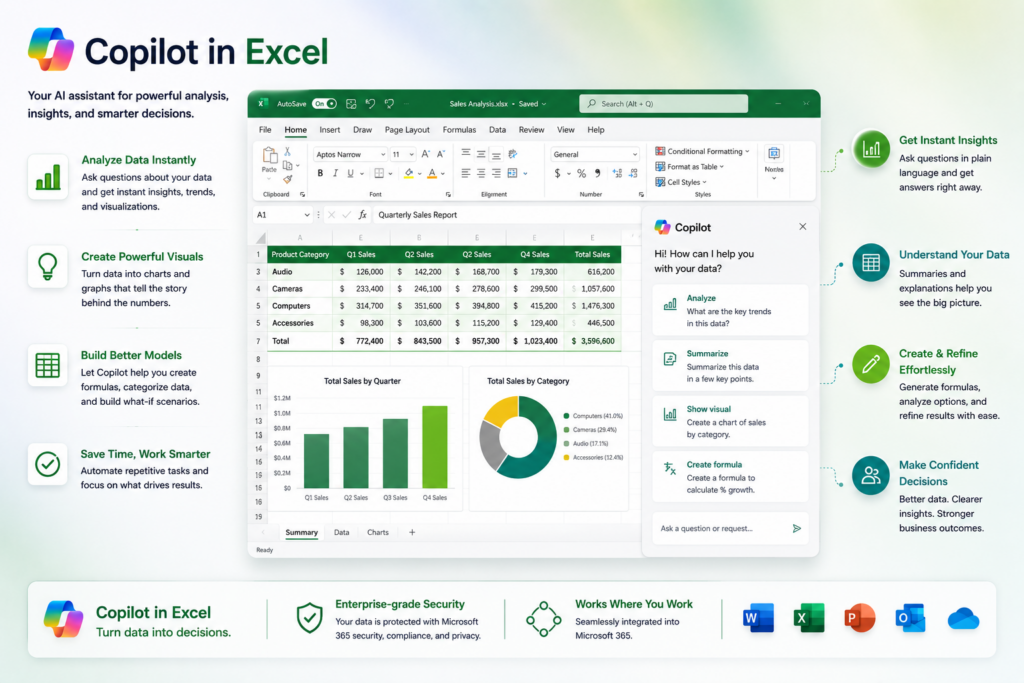
Copilot in Excel

Microsoft Copilot works with Excel by bringing advanced AI capabilities directly into your spreadsheets, making data analysis and visualization faster and more intuitive. It can help you generate formulas, create charts, and summarize large datasets using natural language prompts, eliminating the need for complex manual steps. Copilot can also identify trends, perform predictive analysis, and suggest insights based on your data, enabling better decision-making

  • Analyzes data
  • Builds formulas
  • Creates charts
  • Explains trends in plain language

Copilot can review emails and help with management of conversations and making suggestions.

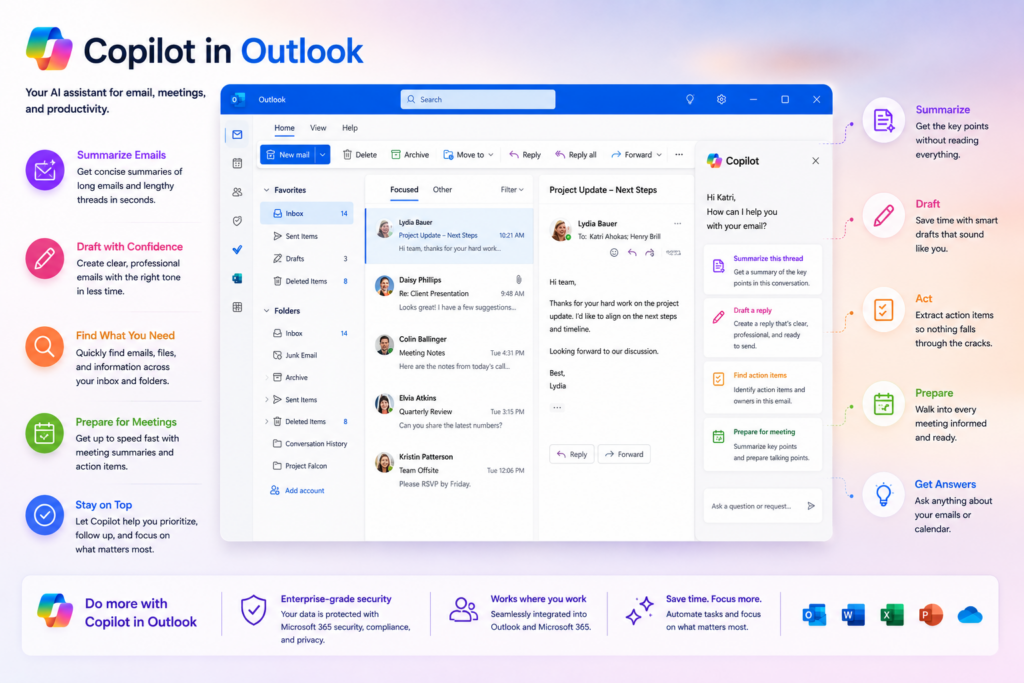
Copilot in Outlook

Microsoft Copilot works with Outlook by streamlining email and calendar management through AI-powered assistance. It can help you draft professional emails, summarize long threads, and suggest concise responses based on context. Copilot also prioritizes messages, highlights key information, and can schedule meetings or manage your calendar using natural language commands

  • Writes and rewrites emails
  • Summarizes long conversations
  • Prioritizes your inbox
  • Helps schedule meetings efficiently

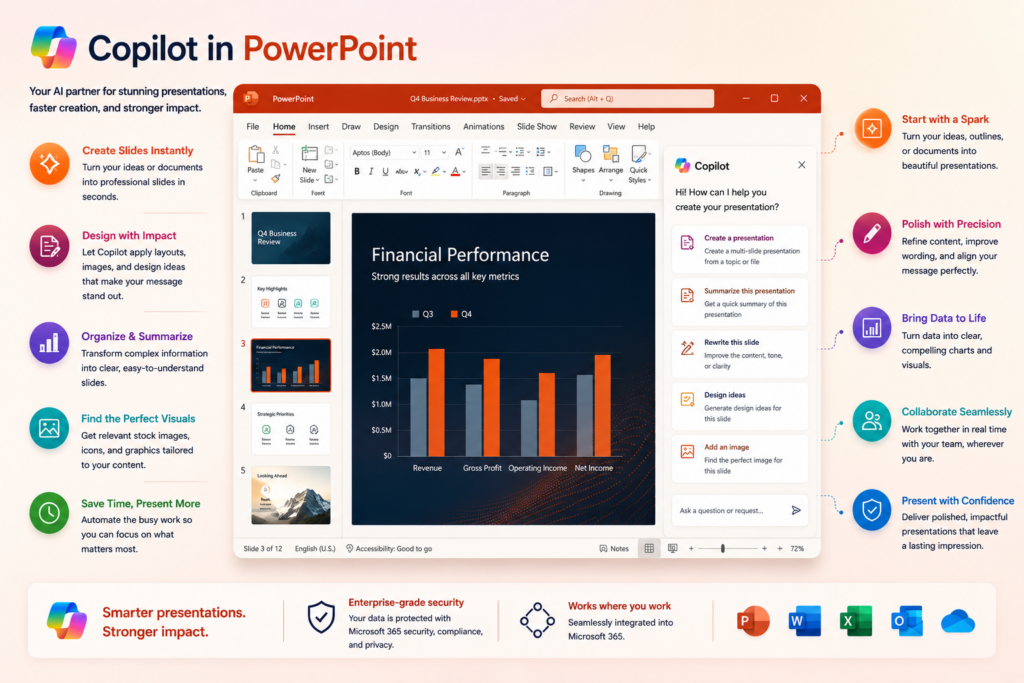
Use Copilot to help you with making your PowerPoint presenations better, more consise, and accurate.

PowerPoint Integration 

Microsoft Copilot works with PowerPoint by transforming the way presentations are created and designed. It can generate complete slide decks from a simple prompt, create visually appealing layouts, and suggest design ideas that align with your content. Copilot also helps summarize documents into key points for slides, rewrite text for clarity, and even recommend images or graphics to enhance engagement.

  • Rapid Presentation Creation – Generate entire slide decks from a simple prompt, saving significant time.
  • Content Summarization – Convert lengthy documents or reports into concise, well-structured slides.
  • Design Assistance – Suggest professional layouts, themes, and design ideas automatically.
  • Visual Enhancements – Recommend relevant images, icons, and graphics to make slides more engaging.
  • Content Refinement – Rewrite text for clarity, tone, and impact directly within slides.
  • Data Integration – Pull charts and insights from Excel or other sources seamlessly.
  • Customization – Tailor presentations to specific audiences or objectives with minimal effort.