Why 2-Factor Authentication Is Essential for Office 365 Security
In today’s IT landscape, security isn’t just a feature it’s a necessity. With data breaches, password leaks, and identity theft on the rise, protecting your digital workspace has never been more important. That’s why enabling 2-Factor Authentication (2FA) for Microsoft Office 365 is a smart, proactive defense.
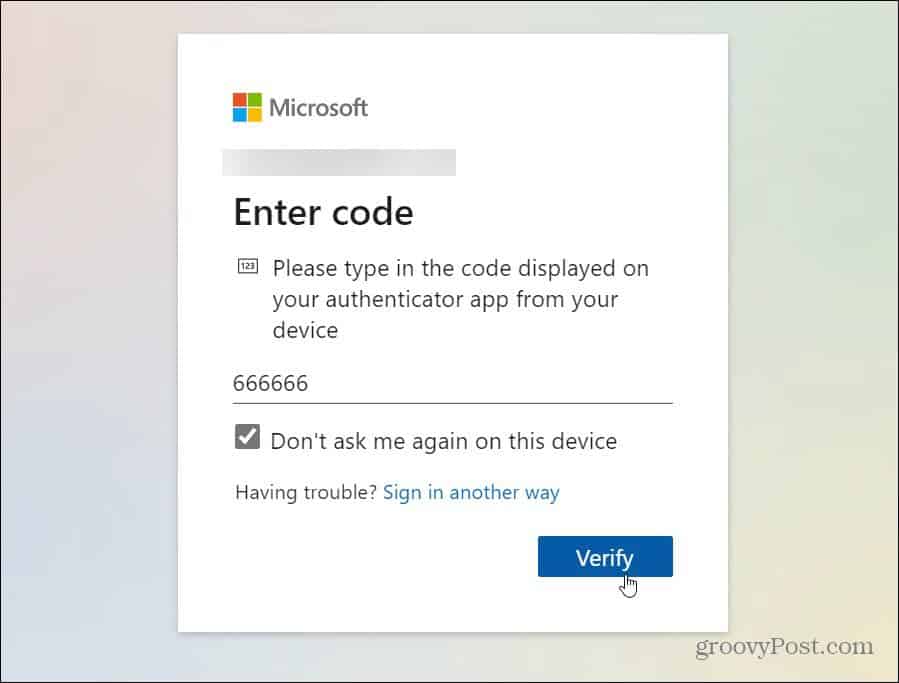
2FA adds a second layer of verification beyond your username and password. Once you log in, a unique, time-sensitive code is sent to your smartphone making it nearly impossible for hackers to access your account, even if they’ve stolen your password from the dark web.
This extra step is already familiar to many, thanks to its use in banking and financial platforms. With Office 365, 2FA safeguards critical data in:
- Outlook Email
- SharePoint Documents
- OneDrive Files
- Skype and Microsoft Teams
Most of us have felt the sting of e-fraud compromised credit cards, stolen identities, or unauthorized account access. 2FA helps eliminate that risk by turning your login into a challenge only you can complete.
At San Diego Computer Consulting, we help clients implement and manage 2FA as part of a broader security strategy ensuring peace of mind and compliance with modern cybersecurity standards.