Darren is also our GDrive/Gmail Migration Master.

Darren does out Gmail/GDrive to Office 365/SharePoint Migrations.

Need a migration from Gmail or G-Drive. Darren is the Man! He is our technical lead for migrations from GMail and/or GDrive over to the Microsoft 365 world. This is a very technical migration that has to be carefully designed. Darren has done 100’s of migrations. You can trust us to do yours.

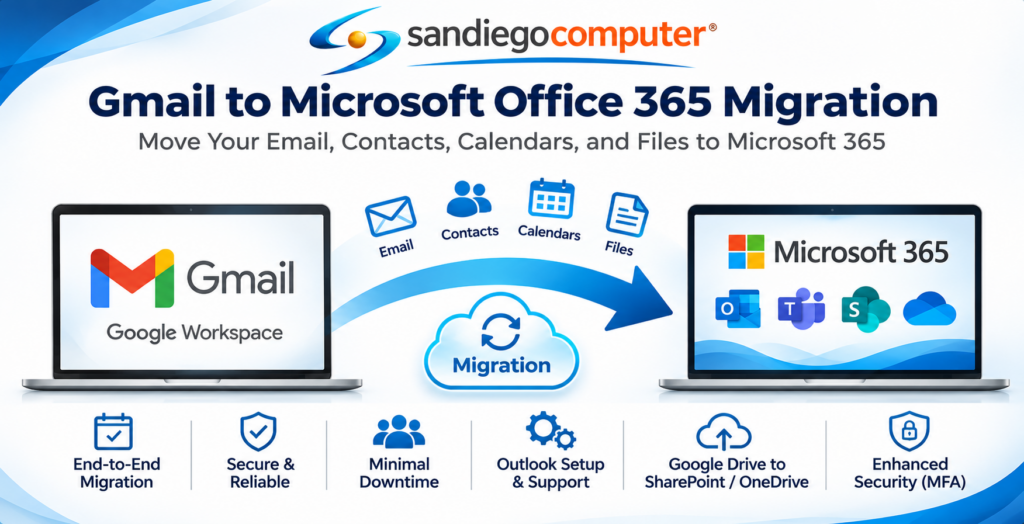
GMail to Office 365 Migrations

What Does Our Gmail Migration Service Include?

  • Email Migration: Transfer existing Gmail messages and supported folder structures into Microsoft Outlook and Exchange Online.
  • Contacts & Calendars: Migrate Google contacts and calendar information using appropriate migration tools.
  • Google Drive to SharePoint & OneDrive: Move business documents and shared files into Microsoft 365.
  • Domain & DNS Configuration: Configure MX, SPF, DKIM, and DMARC records for reliable email delivery.
  • Microsoft 365 Security: Implement multifactor authentication, email filtering, and additional security protections.
  • Minimal Business Disruption: Coordinate email synchronization, final cutover, and employee transitions.
  • Outlook Setup & Support: Configure Outlook on employee computers and mobile devices and provide assistance after migration.

Email Migration Explained

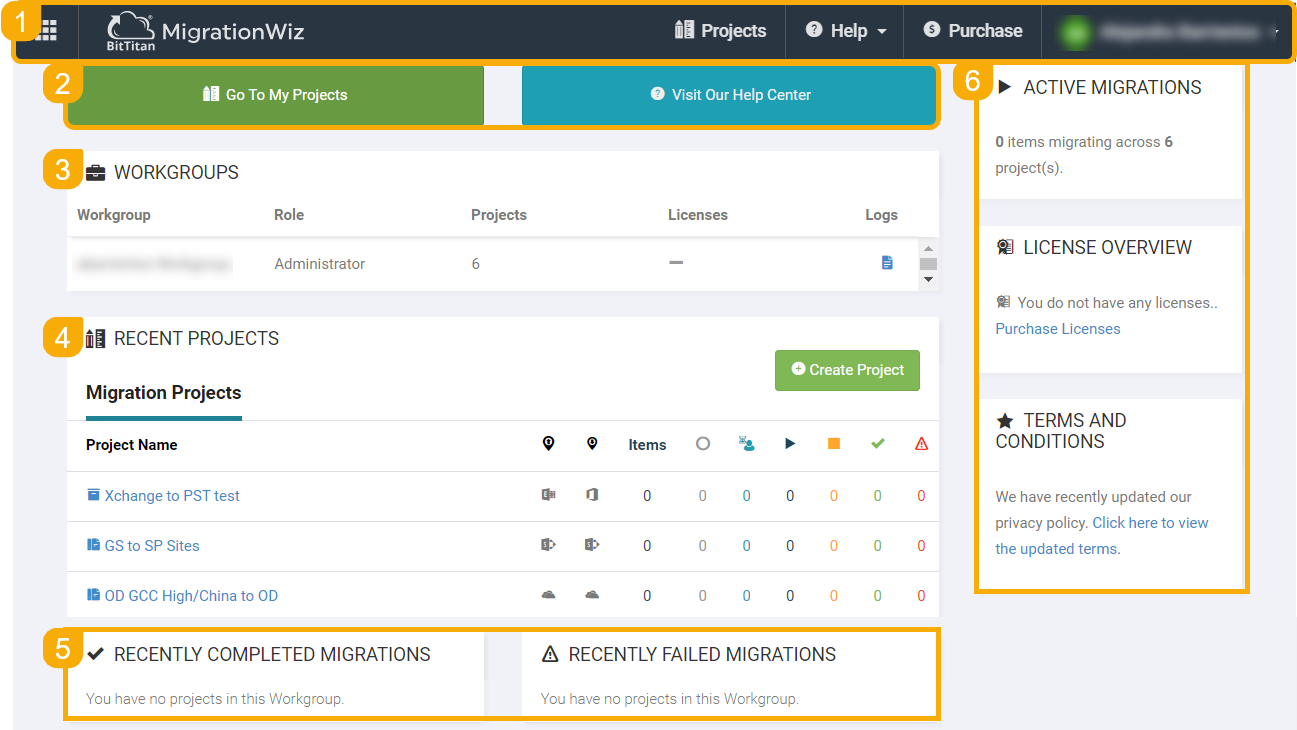
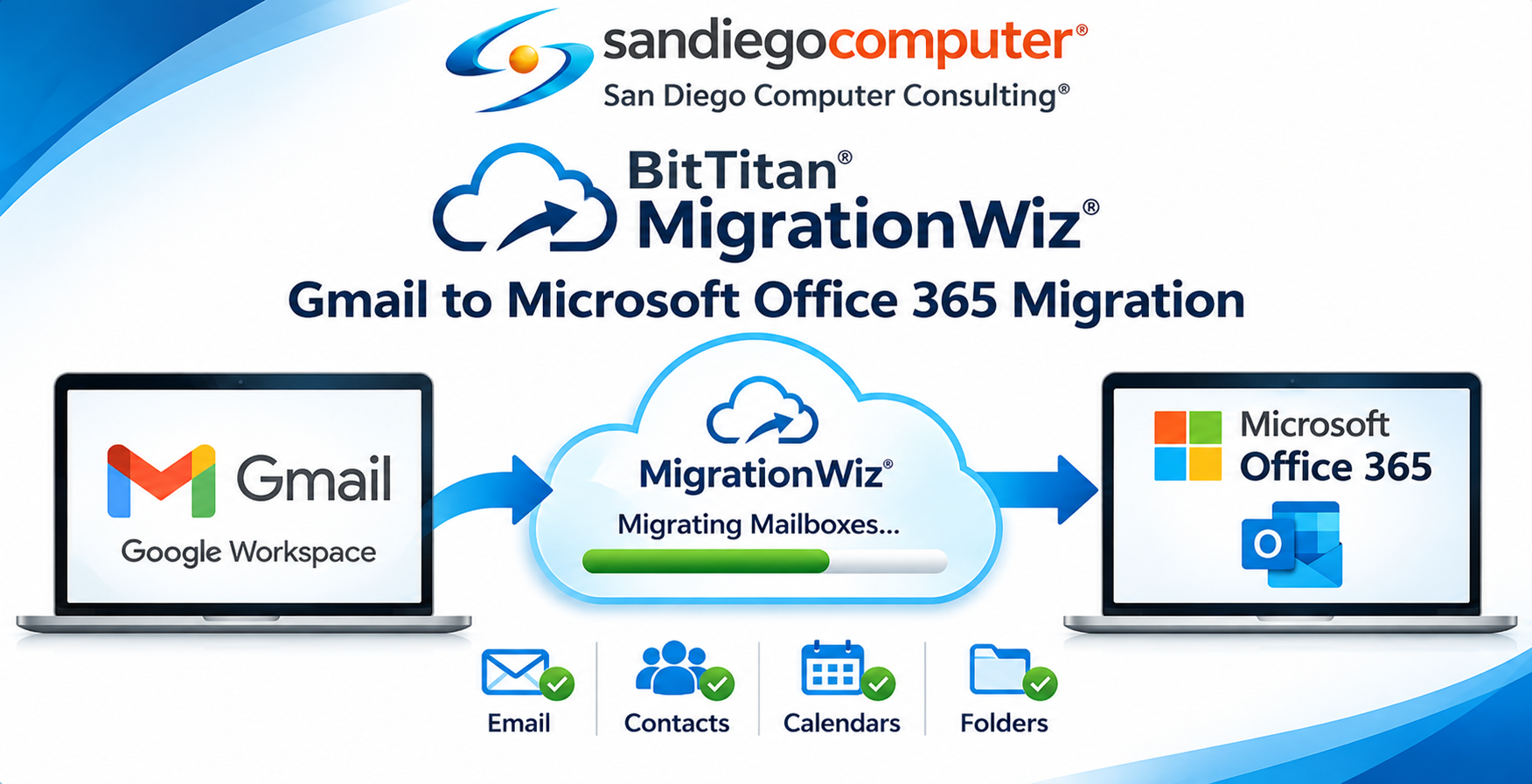
We use Migration Wiz from Bit-Titan to move Gmail Accounts to Office 365

This is a a very carefully planned migration. This all starts with us have a full list of users from Google Workspace accounts. We then match them up with account for Office365. We work with our clients to ensure that we have an accurate accounts of users. Once this is done we perform a pre-migration of data.

We schedule a master date / time for the cutover. At that time, we do a final pass for for the migration. We then move the MX records, build the appropriate Cnames, SPF Files, DMarc, and other support files. What is key, is that we carefully describe to you what the gotcha’s are with the migration and how to prepare.

We ensure all your alias, distribution groups, and all accounts all move all at the same time. This work is typically done at night and weekends.


SharePoint Migration Timeline/Delta.

San Diego Computer Consulting uses BitTitan MigrationWiz, a powerful cloud-based migration tool, to securely transfer Gmail and Google Workspace accounts into Microsoft Office 365 Exchange Online. BitTitan allows our Microsoft engineers to migrate email messages, folders, contacts, and calendars while carefully monitoring progress and identifying potential issues. One of its greatest advantages is the ability to perform an initial migration while employees continue using Gmail, followed by a final synchronization when switching email services to Microsoft 365. Our engineers manage mailbox mapping, migration scheduling, DNS changes, and Outlook configuration to ensure a smooth transition with minimal downtime.

Don't worry, we can migrate your One Drive, too.

Considerations for OneDrive Tenant-to-Tenant Migrations

Permissions & Identity Mapping

  • All users and groups included in the identity mapping file will retain their access permissions for migrated OneDrive content.
  • This ensures continuity of access in the target tenant once the migration is complete.

Legal Hold Policies

  • OneDrive accounts under a legal hold (e.g. for compliance or eDiscovery) cannot be migrated until the hold is lifted.
  • To migrate these accounts:
  1. Temporarily remove the hold policy
  2. Complete the migration
  3. Reapply the hold on the new tenant post-migration

🔗 Shared Link Redirects

  • After migration, shared links to content in the original tenant will automatically redirect to the new tenant location—if the user still has access.
  • These redirects persist until the source tenant is deprovisioned.
  • Admins may remove redirects selectively on a site-by-site basis if needed.

Moving G-Suite & Dropbox to SharePoint

Cloud Platform Migrations to SharePoint—Powered by Mover.io

San Diego Computer Consulting uses tool Mover.io, a Microsoft tool purpose-built for migrating data from major cloud storage platforms into SharePoint Online. Whether you’re moving from Amazon S3, Box, Dropbox, or Google Drive, Mover provides a powerful way to transfer your datasets securely and efficiently.

What We Migrate

  • Documents, media, and data libraries from supported platforms
  • File structures and folder hierarchies
  • Compatible Google Drive files (Docs, Sheets, Slides may be converted to Microsoft formats)

Important Limitations

  • Permissions Do Not Transfer – Folder-level and file-level user rights must be manually re-established in SharePoint
  • Google Drive Compatibility – Some native Google files may not fully convert or retain formatting; pre-migration review is essential

Our Process

  • Inventory and map content from the source platform
  • Validate file compatibility and structure
  • Provision target SharePoint libraries with adequate storage
  • Migrate using Mover.io’s secure cloud-to-cloud tools
  • Rebuild user permissions and access controls post-migration

Migrating cloud data into SharePoint is more than just moving files—it’s about ensuring usability, access, and governance on the destination platform. SDCC guides every step for a streamlined, trouble-free transition.

Drop us a line. We can do your migration.

Send message

A SharePoint tenant-to-tenant migration involves transferring SharePoint sites, document libraries, files, folders, and other supported information from one Microsoft 365 organization to another. This is commonly necessary during business acquisitions, mergers, company reorganizations, or transitions to a new Microsoft 365 environment.

Yes. San Diego Computer Consulting can migrate SharePoint document libraries, files, folders, and supported metadata between Microsoft 365 tenants. Our engineers evaluate the existing environment and use specialized migration tools to transfer data while preserving its organization and structure whenever possible.

In many cases, permissions can be migrated or recreated in the destination tenant. However, user accounts and security groups must be properly mapped between the two environments. Our engineers carefully review these permissions to ensure employees maintain appropriate access to their documents.

Absolutely. We can coordinate SharePoint and OneDrive for Business migrations as part of a complete Microsoft 365 tenant transition. This allows organizations to move company document libraries alongside individual employees’ OneDrive files, providing a more complete migration experience.

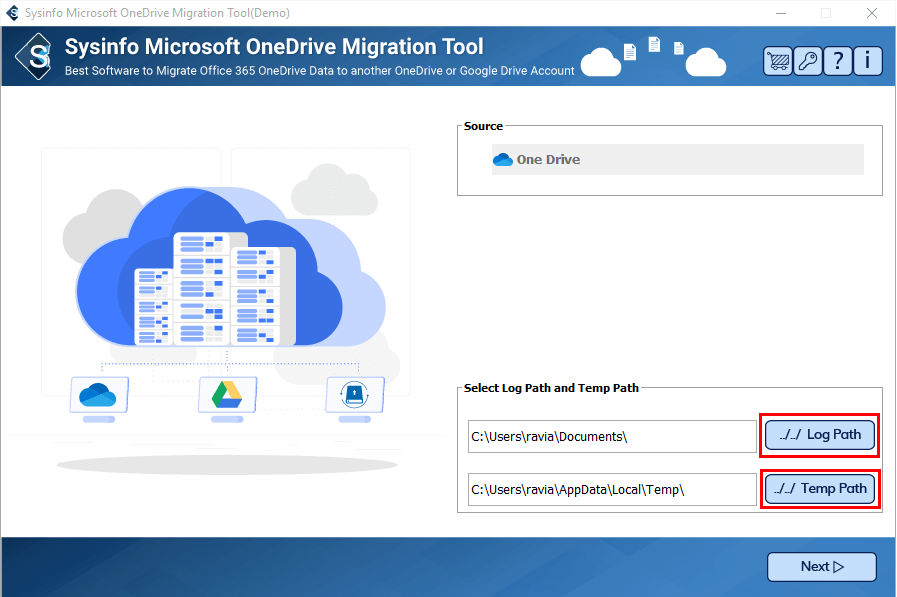
San Diego Computer Consulting uses specialized migration solutions such as ShareGate, BitTitan MigrationWiz, and SysInfoTools, depending on the project’s requirements. We may also use Microsoft-native migration capabilities where supported. These tools help transfer data, map users, track migration progress, and identify potential problems.

Yes. This is especially common when one business acquires another or when two organizations merge. We can migrate SharePoint data from one company’s Microsoft 365 tenant into another while carefully managing user identities, permissions, and document organization.

Many migration tools support transferring SharePoint document version history. However, the number of versions retained and the metadata preserved depend on the migration software, source environment, and destination settings. Our engineers review these requirements before beginning the migration.

Yes. Microsoft Teams stores its standard channel files in SharePoint Online. We can migrate these underlying document libraries as part of a broader Microsoft 365 migration. Teams conversations, membership, private channels, and other Teams components may require separate migration procedures and tools.