
At San Diego Computer Consulting®, we use Dropsuite Microsoft 365 Backup to help protect our clients’ critical business data, including Outlook email, SharePoint, OneDrive, and Microsoft Teams. Dropsuite provides automated cloud-to-cloud backups, helping safeguard important information against accidental deletion, ransomware, and data loss. With Dropsuite your Microsoft 365 data has an additional layer of protection and peace of mind.
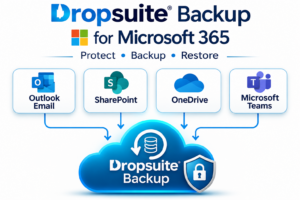
Microsoft Office 365 Immutable Backup by DropSuite.
Office 365 Email, SharePoint, and OneDrive Backup
Dropsuite offers a complete Office 365 suite immutable backup. We sell this solution for Microsoft Office 365 Solutions including OneDrive. The backup service provided by Cloudfinder is unlimited. The service backs up your entire Office 365 Exchange email box. This includes all folder structure, emails, contacts, and calendar. The backup is constant and is always backing up new data from your Office 365 account.
Dropsuite solutions are consistent and their backup is and excellent! The Dropsuite Office 365 service provides a full backup history of data in your Microsoft Office 365 account. Microsoft by default will only backup your data for up to 30 days. The restore process is reported to be very arduous. Microsoft typically takes up to 48 hours to respond to such a request.
If you email is critical, the DropSuite Office 365 backup ensures your safety
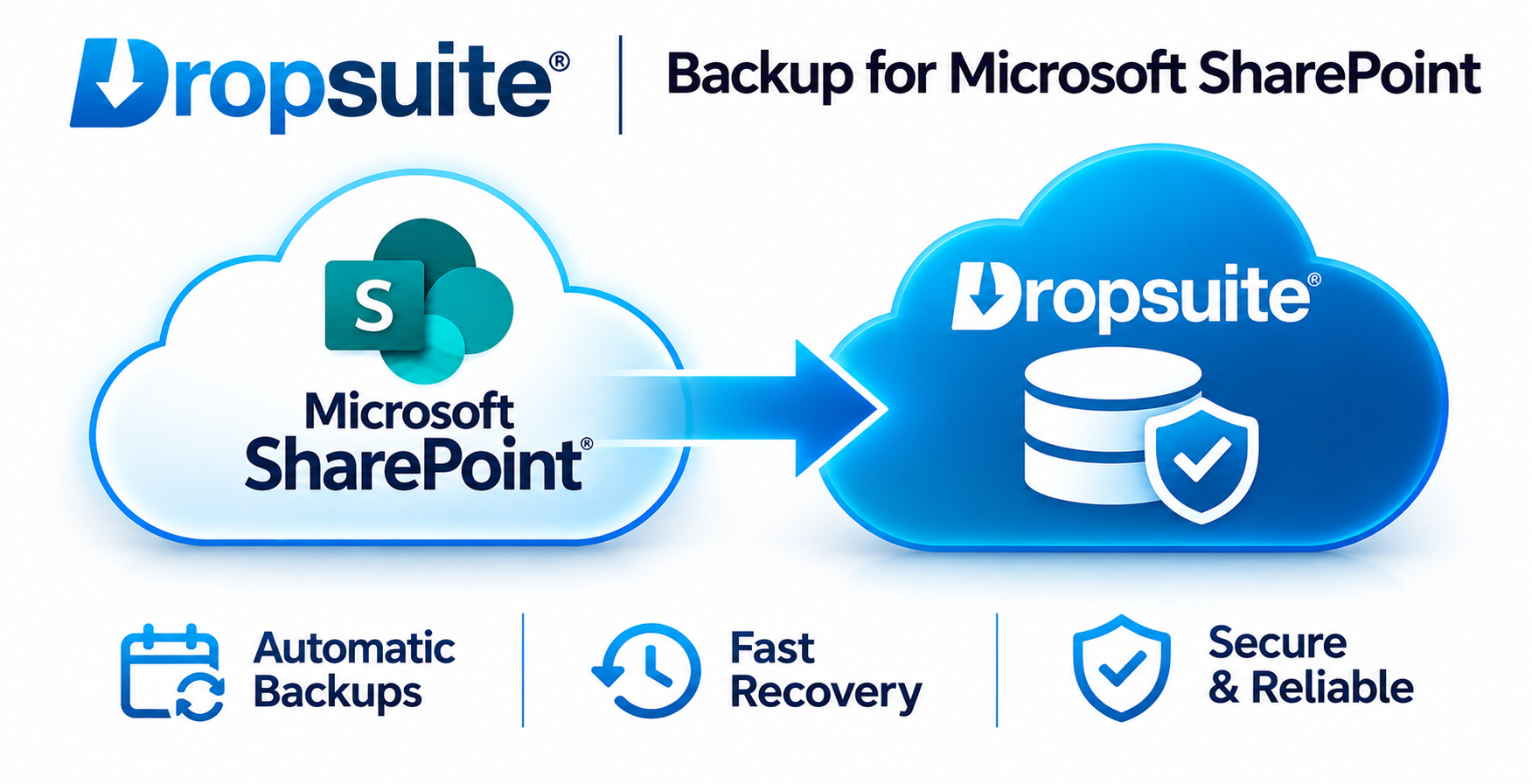
Immediate Features:
- Office 365 Email Backup: Email, Contacts, Calendar, & Tasks
- OneDrive Files
- SharePoint Files
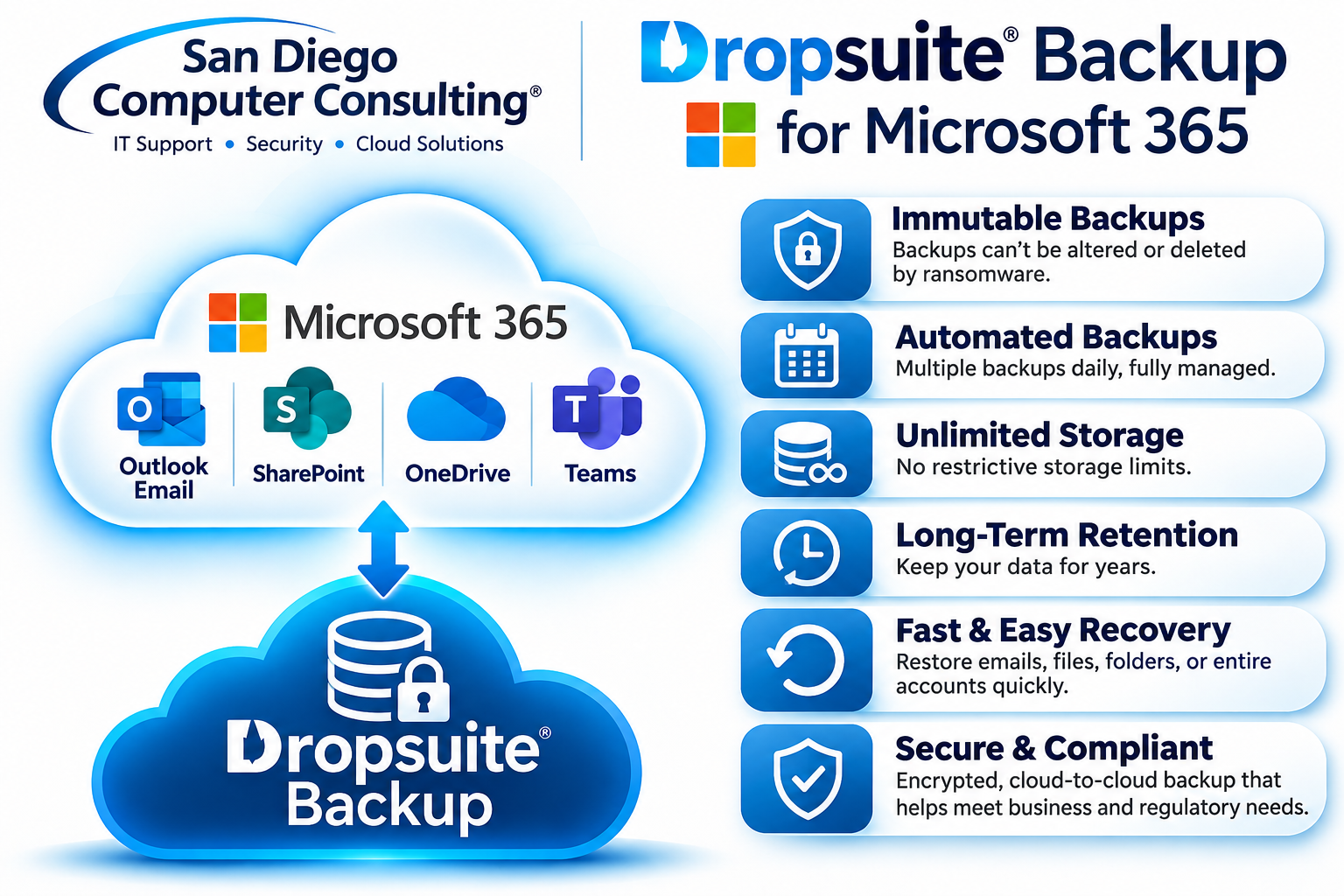
Immediate Features
-
Email backup: Up to 12 times per day.
-
SharePoint and Teams: Up to 3 times per day.
-
Storage: Unlimited backup storage.
-
Retention: Flexible, extended retention policies.
-
Encryption: AES-256 encryption at rest and in transit.
-
Immutability: Advertised protection against unauthorized alteration of backup data.
OFFICE 365 LIVE BACKUP-ALL DAY Backup For Microsoft Office 365
What makes Dropsuite Microsoft 365 Backup stand out from many traditional Office 365 backup solutions is its combination of immutable backup protection, unlimited storage, long-term data retention, and multiple daily backups. Dropsuite securely protects Outlook email, SharePoint, OneDrive, and Microsoft Teams data in an independent cloud environment, helping safeguard critical business information against ransomware, accidental deletion, and data loss. Unlike backup solutions with restrictive storage limits or short retention periods, Dropsuite offers flexible retention options and the ability to recover historical information quickly and easily.
Office 365-GCC HIGH-Compliant backup Solution
Commvault Microsoft 365 GCC High Backup solutions designed to protect sensitive government and defense contractor information. Commvault provides automated backup and recovery for Microsoft 365 data, including Exchange Online email, SharePoint, OneDrive, and supported Teams content. With advanced encryption, ransomware protection, flexible long-term retention, and granular recovery capabilities, Commvault helps safeguard critical business information against accidental deletion, cyberattacks, and data loss. When properly configured and deployed within an appropriately authorized government cloud environment, Commvault can support organizations working toward CMMC 2.0, NIST SP 800-171, and DFARS compliance. Our experienced engineers help design, deploy, and manage these solutions to ensure that sensitive data, including Controlled Unclassified Information (CUI), remains protected according to applicable security and data residency requirements.
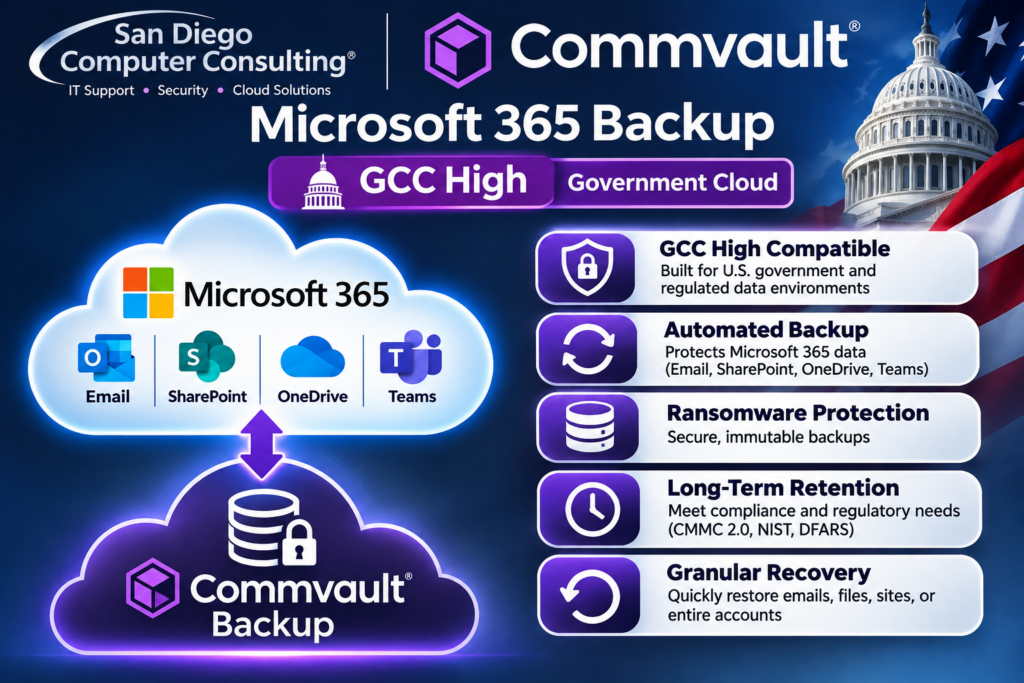
Office 365-GCC HIGH-Compliant backup Solution
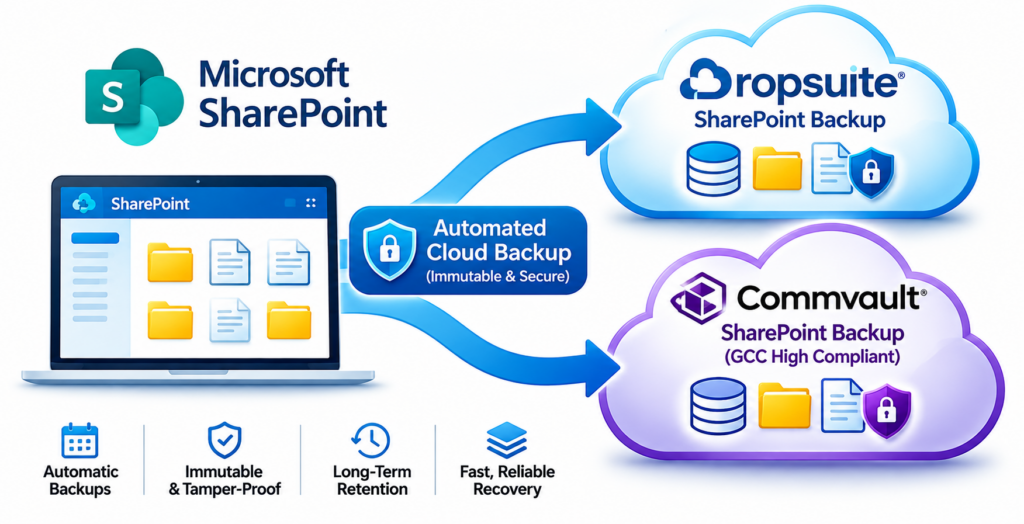
Secure SharePoint Cloud Backup with Dropsuite & Commvault
At San Diego Computer Consulting, we protect our clients’ Microsoft SharePoint data using two powerful cloud backup solutions: Dropsuite and Commvault. Both solutions automatically back up SharePoint documents, folders, and supported site content to secure, independent cloud backup environments, providing an additional layer of protection beyond Microsoft’s native retention and recovery features. These backups help safeguard critical business information against accidental deletion, ransomware, data corruption, and malicious activity.
