
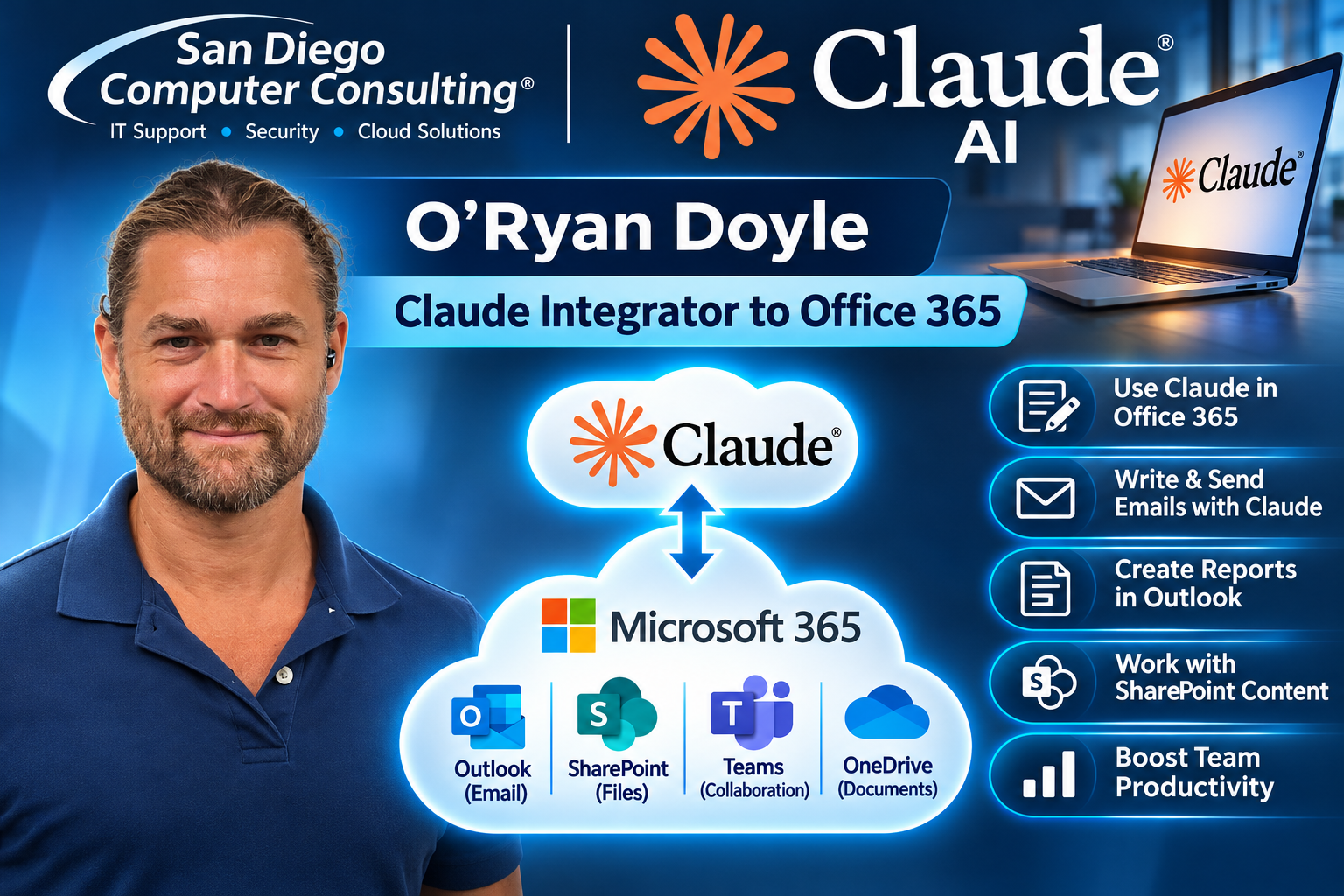
At San Diego Computer Consulting, we help businesses integrate Claude AI with Microsoft Office 365 to improve productivity, automate everyday tasks, and make better use of company information. By securely connecting Claude to Outlook, SharePoint, OneDrive, and other Microsoft 365 services, employees can use artificial intelligence to summarize emails, draft correspondence, analyze documents, generate reports, and quickly locate important business information. Our Claude AI Integration Engineer, O’Ryan Doyle, helps configure these connections and workflows, bringing powerful AI capabilities into your existing Microsoft 365 environment while maintaining appropriate security and access controls.
Claude AI Connector for Office 365
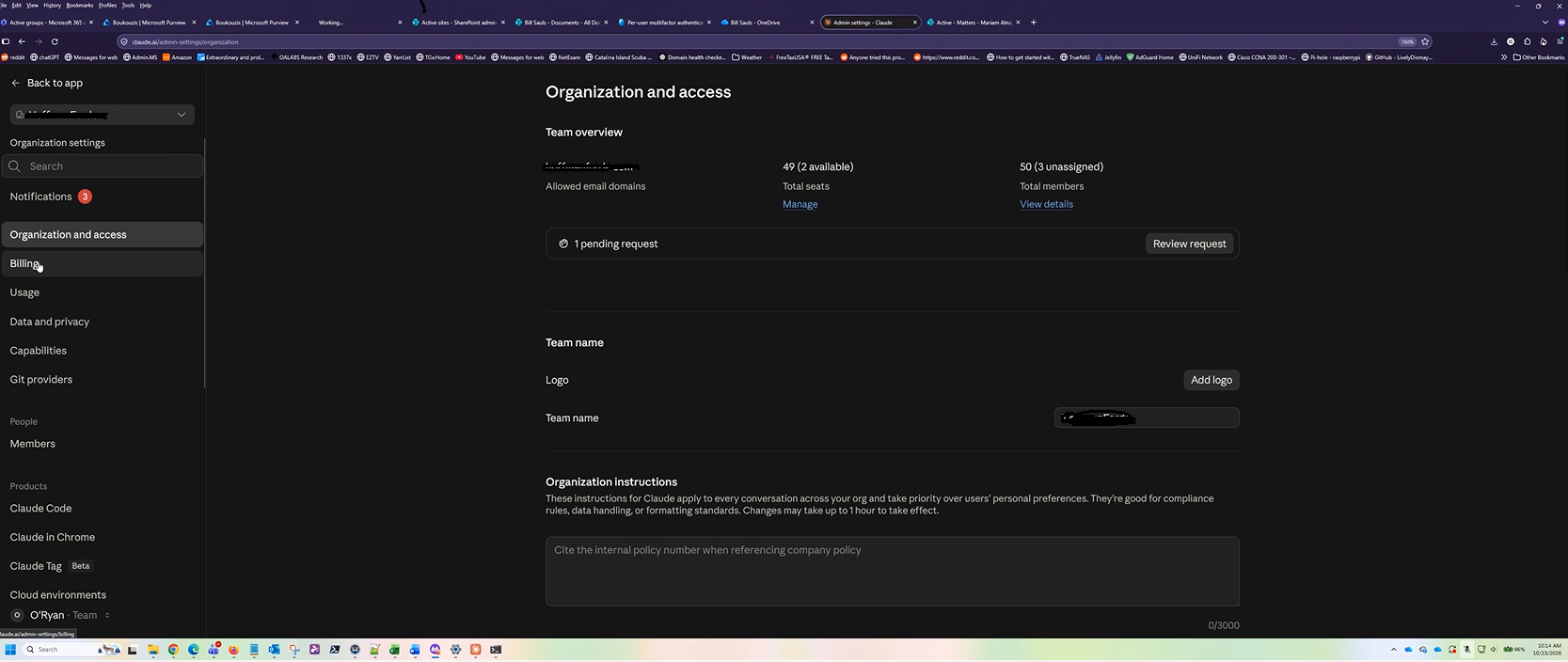
Connecting Claude AI to Office 365 Admin Environment.
We can connect Claude AI into the Microsoft 365 administrative environment, allowing AI to assist IT administrators with managing and monitoring their Office 365 tenant. Through secure Microsoft Graph API connections and carefully controlled administrative permissions, Claude can help analyze user accounts, review licensing, evaluate security configurations, identify potential problems, and generate detailed reports about the Microsoft 365 environment. Our Claude AI Integration Engineer, O’Ryan Doyle, helps configure these integrations with appropriate security controls, enabling administrators to work more efficiently while maintaining oversight of sensitive administrative functions. With proper authorization and approval workflows, Claude can also assist with selected administrative changes, reducing repetitive work and improving IT management.
Assigning Claude User Permissions to Office 365
By configuring Microsoft Entra ID, Microsoft Graph API permissions, and appropriate administrative roles, we can control which Office 365 resources Claude is authorized to access, including Outlook email, SharePoint documents, user accounts, and administrative information. Our Claude AI Integration Engineer, O’Ryan Doyle, helps establish secure, role-based permissions so Claude can assist authorized users with reporting, account management, licensing analysis, and everyday administrative tasks. By following Microsoft’s least-privilege security practices, we help businesses take advantage of Claude AI while maintaining control over sensitive company information and administrative functions.

Let San Diego Computer Consulting Help You with Claude Integration

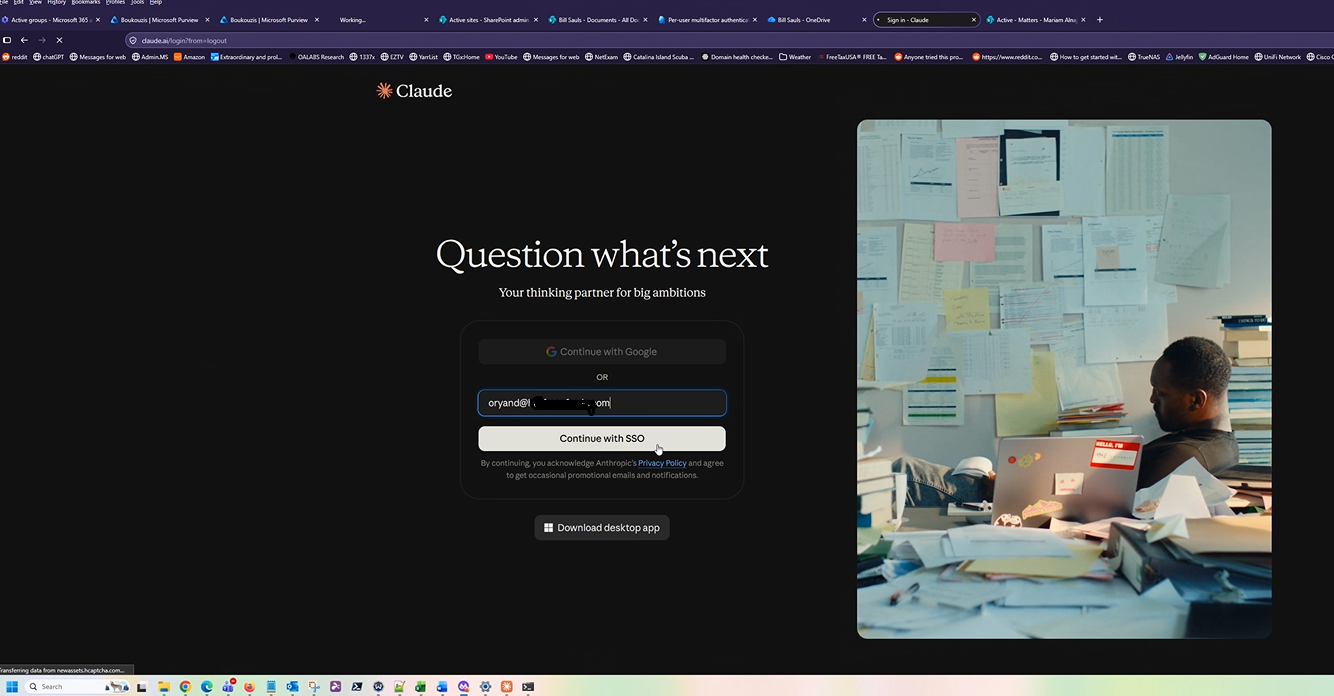
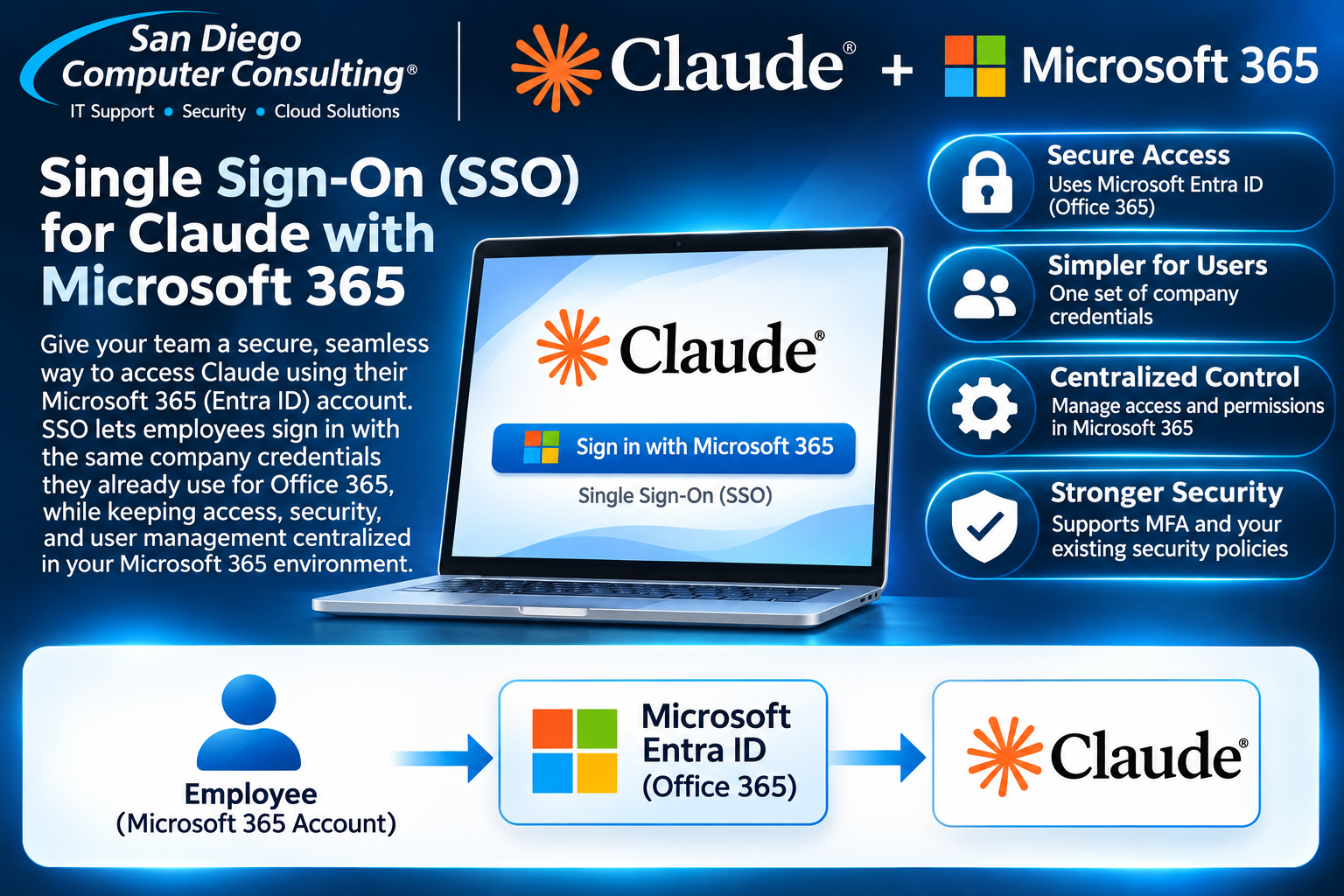
Single Sign-on for Claude using Office 365.
Deploying Claude to User Workstations
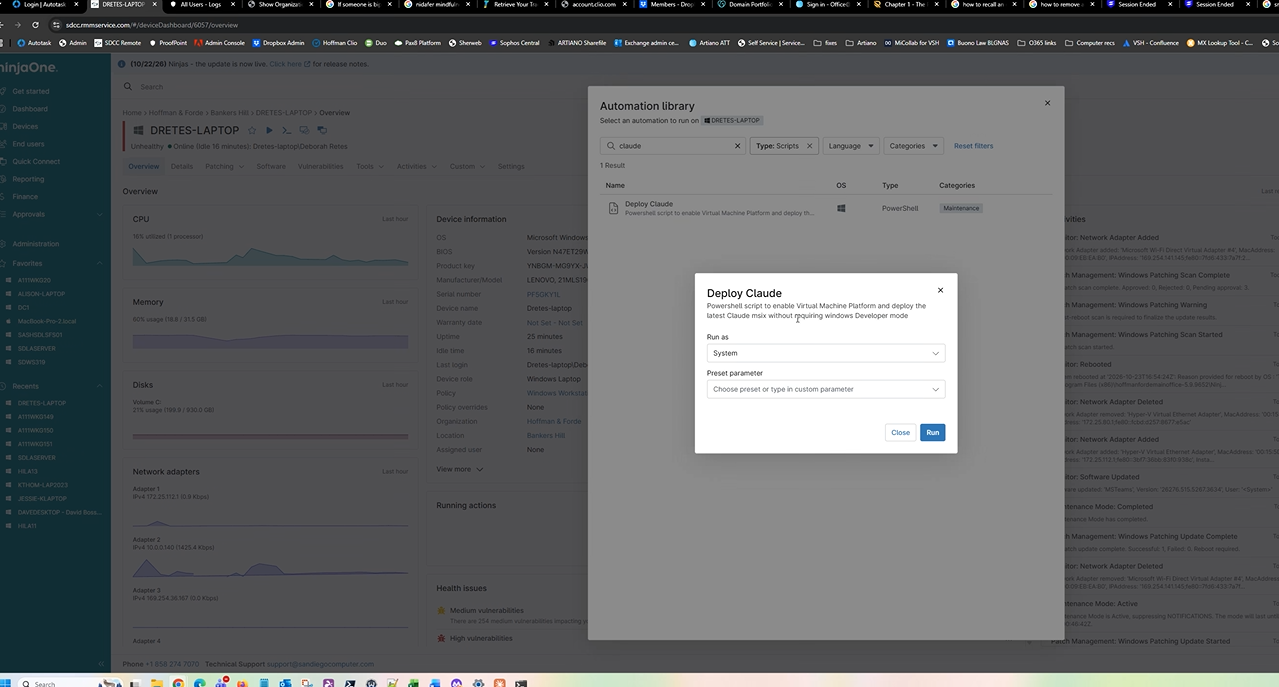
We use NinjaOne Remote Monitoring and Management (RMM) to efficiently deploy and configure Claude AI across an entire organization. Rather than installing and configuring Claude individually on every computer, our engineers can centrally deploy the Claude desktop application, standardize settings, and manage updates across hundreds of Windows workstations. Combined with Microsoft 365 integration and Entra ID Single Sign-On, employees can securely access Claude AI and authorized Office 365 resources, including Outlook,
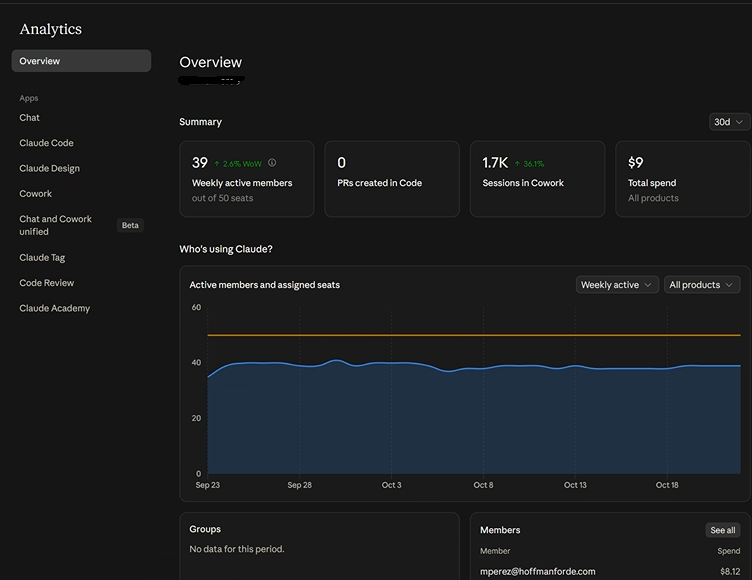
Organizational Overview: User usage Analytics for Claude AI with Office 365
We help businesses monitor and analyze how employees use Claude AI alongside Microsoft 365. By combining Claude’s administrative usage analytics with Microsoft 365 reporting and Entra ID sign-in information, administrators can gain valuable insights into employee adoption, account activity, and AI utilization. Our Claude AI Integration Engineer, O’Ryan Doyle, helps organizations configure reporting dashboards to identify usage trends, monitor security, evaluate licensing needs, and measure the benefits of AI across their workforce.
Frequently Asked Questions About Claude AI Integration with Microsoft Office 365
Claude AI integration allows businesses to connect Anthropic’s Claude artificial intelligence platform with Microsoft 365 services, including Outlook, SharePoint, and OneDrive. Through supported connectors, employees can use Claude to search company information, summarize emails, analyze documents, prepare reports, and streamline everyday business activities.
Claude connects to Microsoft 365 through supported connectors and secure Microsoft authentication. Users sign in with their Microsoft 365 credentials and authorize the requested permissions. Depending on the integration, Microsoft Entra ID administrators may need to approve access before employees can use Claude with company resources.
Yes. With an authorized Outlook connector, Claude can help employees review email conversations, summarize lengthy message threads, identify important communications, and locate information buried in their inboxes. This can significantly reduce the time spent reviewing email.
Claude can draft professional email responses, compose new messages, and help employees communicate more effectively. Sending emails directly requires a supported integration with the appropriate write permissions and authorization. Businesses can configure approval procedures to maintain control over outgoing communications.
Yes. Claude can use supported SharePoint connections to search authorized document libraries, locate important files, summarize information, and answer questions based on company documents. This is particularly useful for engineering firms, law offices, accounting departments, and businesses with extensive SharePoint libraries.
Yes. Through supported Microsoft 365 connections, Claude can help employees find, read, summarize, and analyze authorized OneDrive files. Employees can ask questions about documents and use Claude to help prepare summaries and reports without manually reviewing every file.
Claude can support single sign-on through Microsoft Entra ID when configured with a supported enterprise identity integration. Employees can authenticate using their existing organizational identities rather than maintaining separate credentials. Availability depends on the Claude subscription and identity configuration.
Yes. Businesses can manage employee access using supported Claude administrative controls and Microsoft Entra ID identity management. Administrators can establish user access policies, configure supported single sign-on and provisioning features, and control permissions granted to Microsoft 365 integrations.
Claude integrations can use secure authentication and permission-based access to Microsoft 365 resources. However, security also depends on the Claude plan, connector configuration, data retention settings, and organizational policies. San Diego Computer Consulting helps businesses evaluate these requirements and implement appropriate security controls before deployment.
Yes. Claude can help analyze authorized documents, spreadsheets, and other accessible company information to prepare project summaries, management reports, financial analyses, and executive briefings. This can reduce the time employees spend gathering information from multiple files.
Yes. With a supported calendar integration, Claude can help review meeting schedules, prepare agendas, identify relevant information, and organize meeting preparation materials. Calendar changes or scheduling actions require the appropriate integration capabilities and permissions.
Yes. San Diego Computer Consulting® can assist businesses with Claude AI deployment planning, Microsoft 365 connector configuration, Microsoft Entra ID authentication, user permissions, and endpoint deployment. Where supported, our engineers can use NinjaOne to distribute approved Claude applications and configurations across company computers.
San Diego Computer Consulting helps businesses plan, configure, and implement Claude AI integrations with Microsoft Office 365. Our experienced engineers assist with Microsoft Entra ID authentication, Outlook and SharePoint connectors, OneDrive access, custom Claude AI Agents, permission management, and employee deployment. We focus on practical, secure AI solutions that help businesses work smarter while protecting their valuable company information.
