
Using Claude AI agents for Microsoft Office 365, businesses can streamline repetitive workflows, generate reports, and improve collaboration across departments. San Diego Computer Consulting® helps businesses implement Claude AI with Microsoft 365, configuring secure access, user permissions, and integrations that allow employees to take advantage of AI while maintaining control over sensitive company information.
Claude AI For Office 365

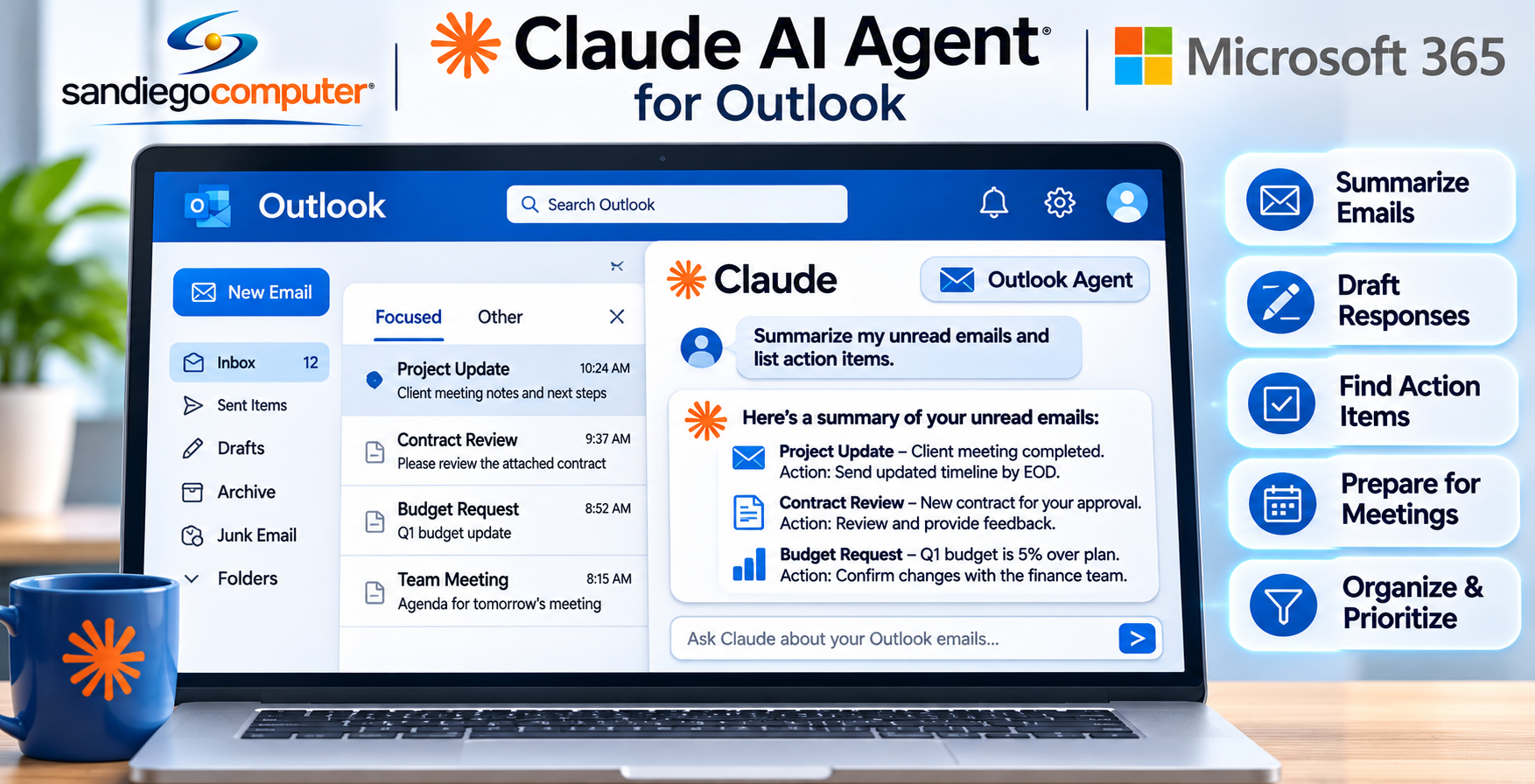
San Diego Computer Consulting helps businesses integrate Claude AI with Microsoft Outlook Securely.
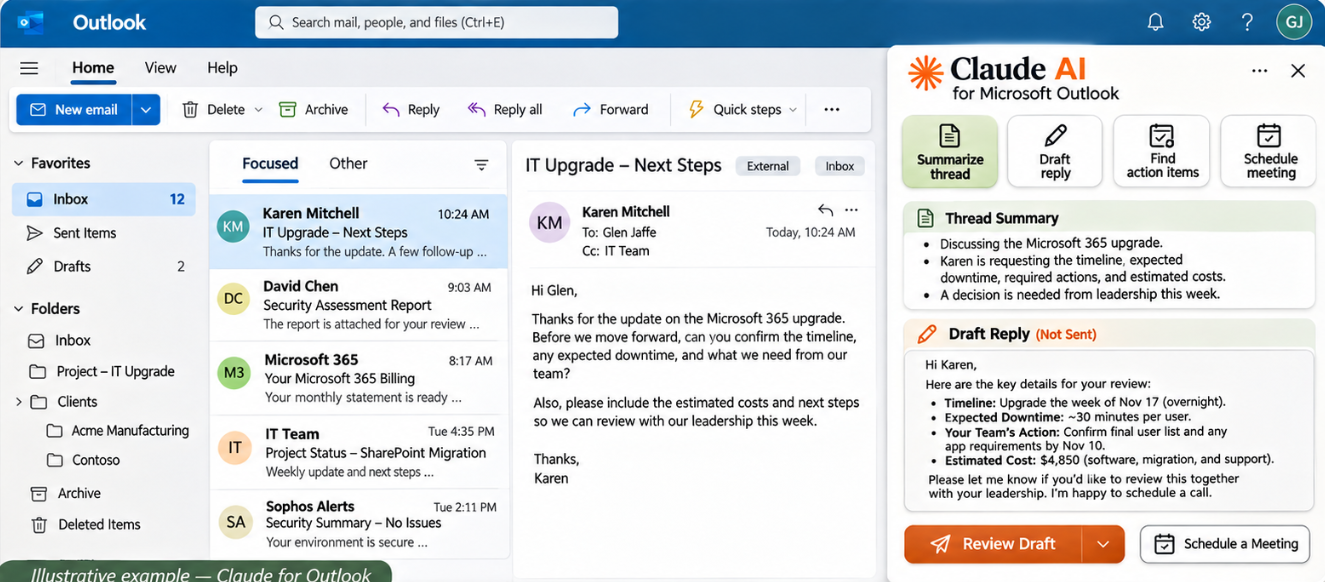
The integration process begins by connecting Claude to Microsoft 365 using Microsoft’s secure authentication system, Entra ID, and OAuth authorization. This allows users to authorize supported Outlook features without sharing their Microsoft 365 passwords directly with Claude. Our engineers configure the appropriate permissions, enforce multifactor authentication (MFA), and review security policies to ensure Claude receives only the access necessary for its intended functions. Once connected, Claude can assist with reading and summarizing emails, drafting responses, identifying action items, and organizing communications.
We carefully integrate Claude AI maintaining control over corporate email, user identities, and confidential business information.
San Diego Computer Uses Claude To Help With Accuracy in Billing
Claude is also good at finding patterns and inconsistencies across spreadsheets. For example, it can flag totals that don’t match subtotals, highlight unusual numbers, or point out trends that don’t line up across departments or time periods. This makes it useful for checking financials, sales reports, or operational metrics before they’re shared more widely.
San Diego Computer Consulting uses Claude for internal billing spreadsheets. We are using Claude to help us compare services purchased with services sold between multiple applications. Claude is able to help us simplify comparisons of verbose Excel spreadsheets of data.
Claude is great for importing data to Excel
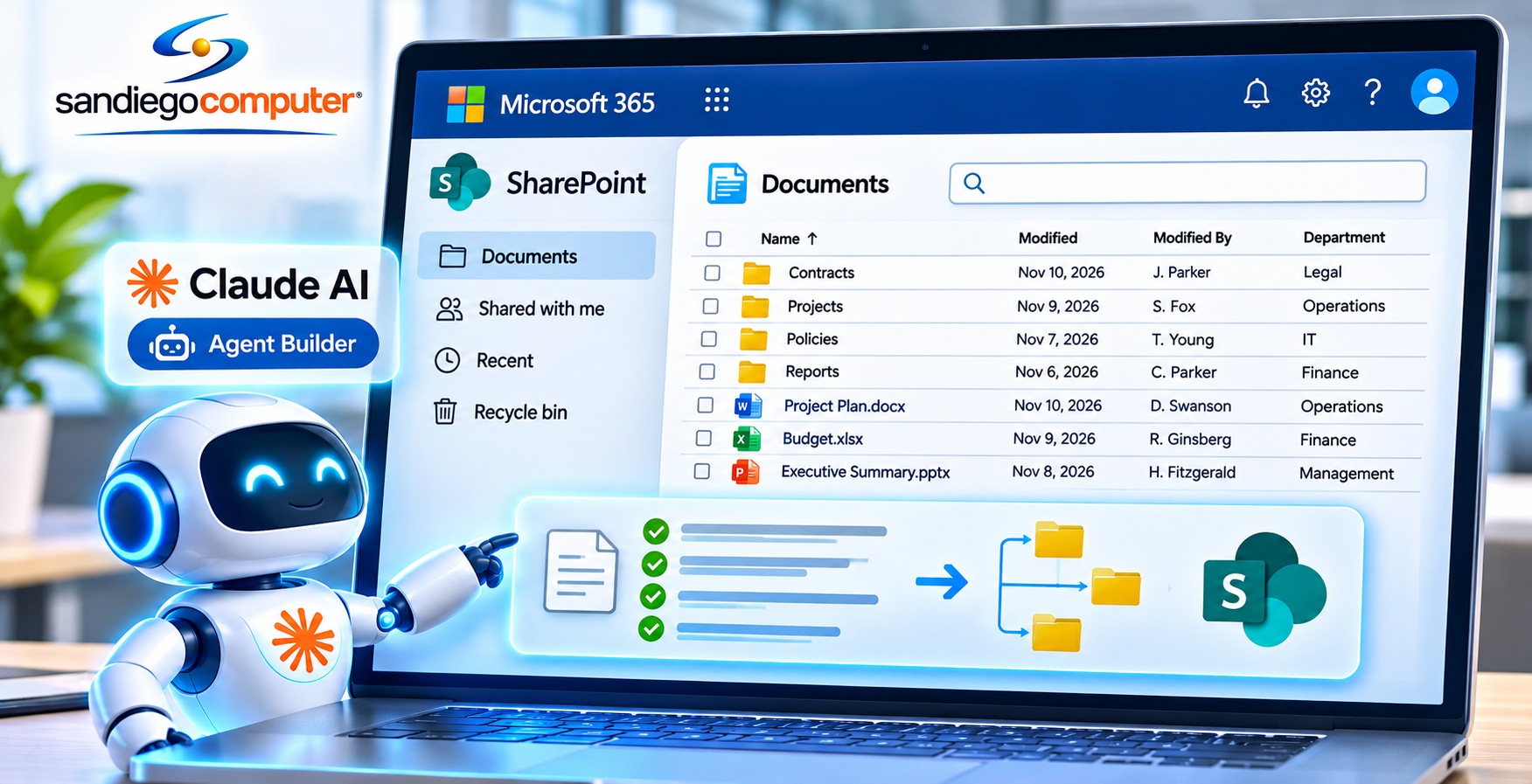
Claude AI makes it easier for businesses to import, organize, and manage information in Microsoft Excel. Using properly configured integrations, Claude can gather data from sources such as SharePoint, accounting systems, customer databases, sales reports, CSV files, and other business applications, then organize that information into structured Excel spreadsheets.
Claude can automatically format columns, clean up inconsistent data, eliminate duplicate entries, and combine information from multiple sources into a single workbook. Once the data is imported, Claude can analyze the results, identify trends, create comparison charts, and generate reports that help businesses make better decisions. San Diego Computer Consulting® helps businesses integrate Claude AI with Microsoft 365, reducing manual data entry, improving accuracy, and making Excel a more powerful tool for everyday business operations.
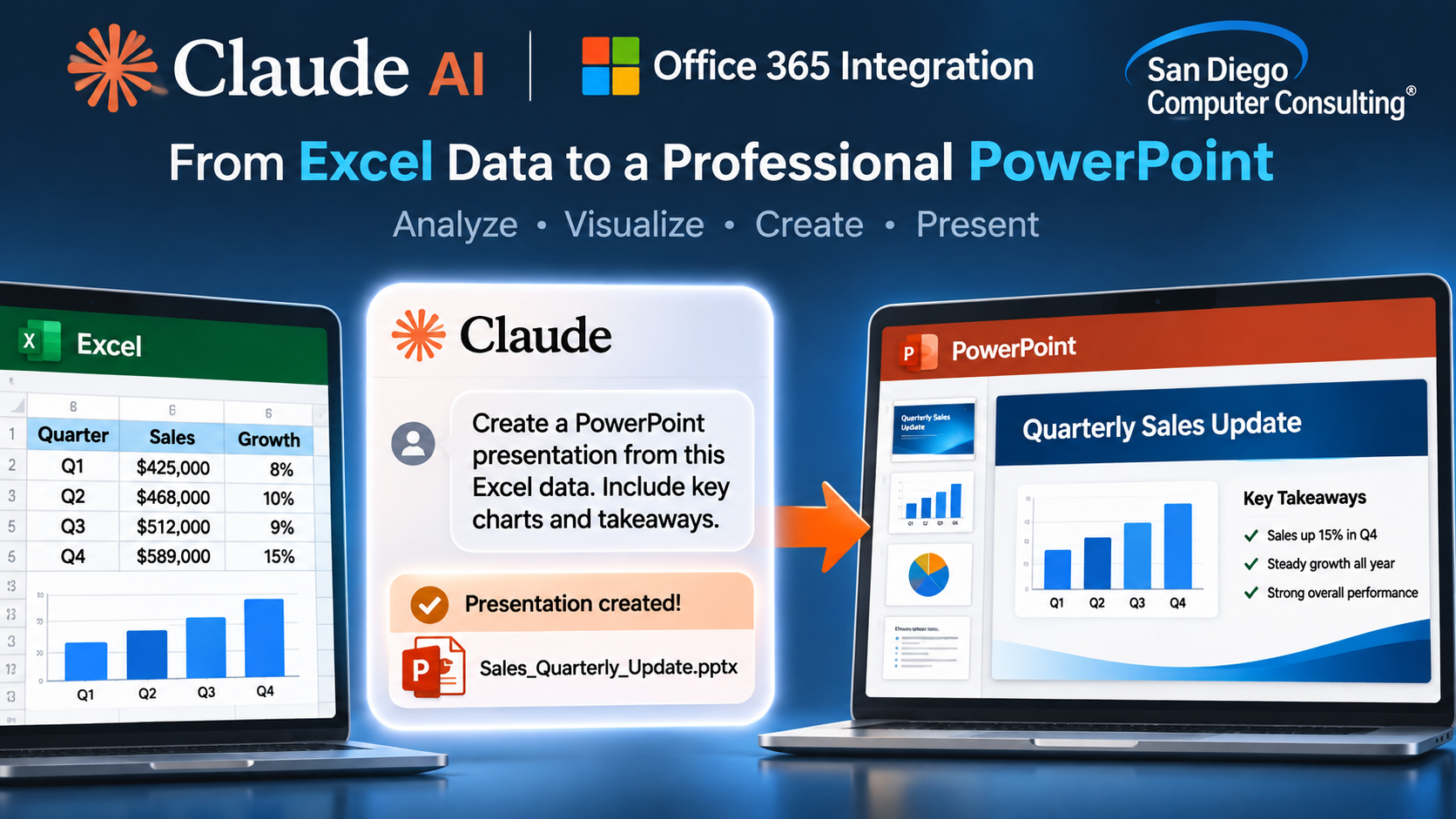
Claude AI – Creating PowerPoint Presentations from Microsoft Excel Data
San Diego Computer Consulting® helps businesses use Claude AI to transform Microsoft Excel spreadsheets, charts, and financial data into professional Microsoft PowerPoint presentations. Claude can analyze Excel workbooks, identify important trends, summarize financial results, and help create presentation slides featuring graphs, tables, and business insights. Instead of spending hours manually copying Excel charts and preparing reports, employees can ask
Claude to develop executive presentations, sales reports, budget comparisons, financial forecasts, and management summaries using their existing spreadsheet information. Claude can also help explain complex data in easy-to-understand language, making presentations more meaningful and informative. Our experienced engineers help businesses configure Claude AI, establish secure access to Microsoft 365 files, and develop AI-assisted reporting workflows that save time and improve productivity.
Claude Is Easy. Made For Questions.
Claude makes working with data and everyday tasks simple by allowing users to interact using plain, natural language. Instead of needing technical commands or complex formulas, you can ask questions the same way you would ask a colleague, like “What trends do you see in this spreadsheet?” or “Which customers had the highest growth last quarter?” Claude understands the intent behind these questions and delivers clear, actionable insights.
When it comes to spreadsheets, Claude can quickly analyze large sets of data, identify patterns, summarize key findings, and even highlight anomalies or opportunities. Whether you’re reviewing financials, tracking sales performance, or organizing operational data, Claude turns complex information into easy-to-understand answers—helping teams make faster, smarter decisions without needing advanced data expertise.
