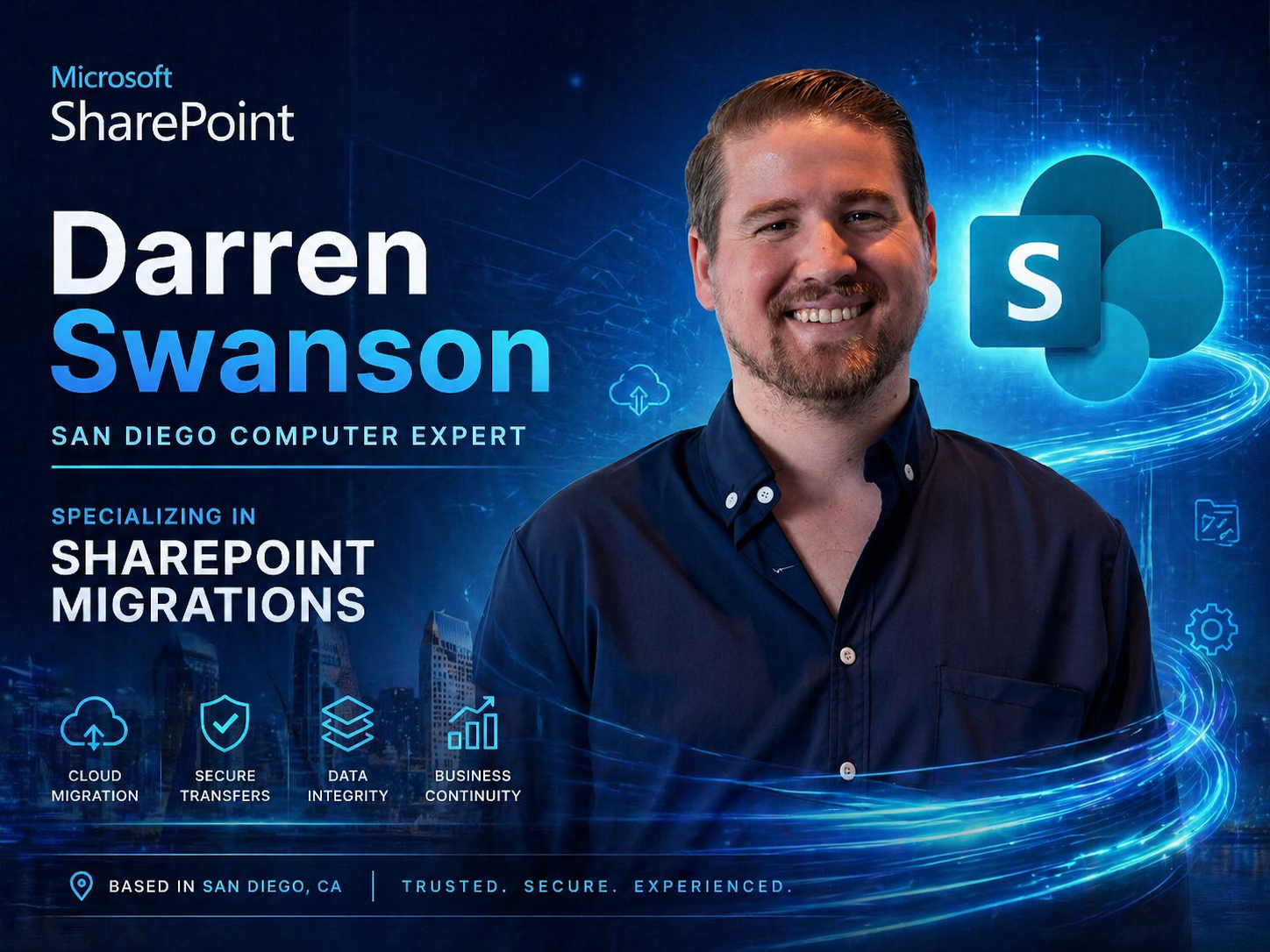
Who is this handsome man? Yes, it is Darren Swanson.
Darren has worked for us forever. He is a pure expert in Office 365 and SharePoint. For any problems, troubleshooting, migrations, rights, or any kind of mastery, Darren is the best of the best!

Who is this handsome man? Yes, it is Darren Swanson.
Darren has worked for us forever. He is a pure expert in Office 365 and SharePoint. For any problems, troubleshooting, migrations, rights, or any kind of mastery, Darren is the best of the best!
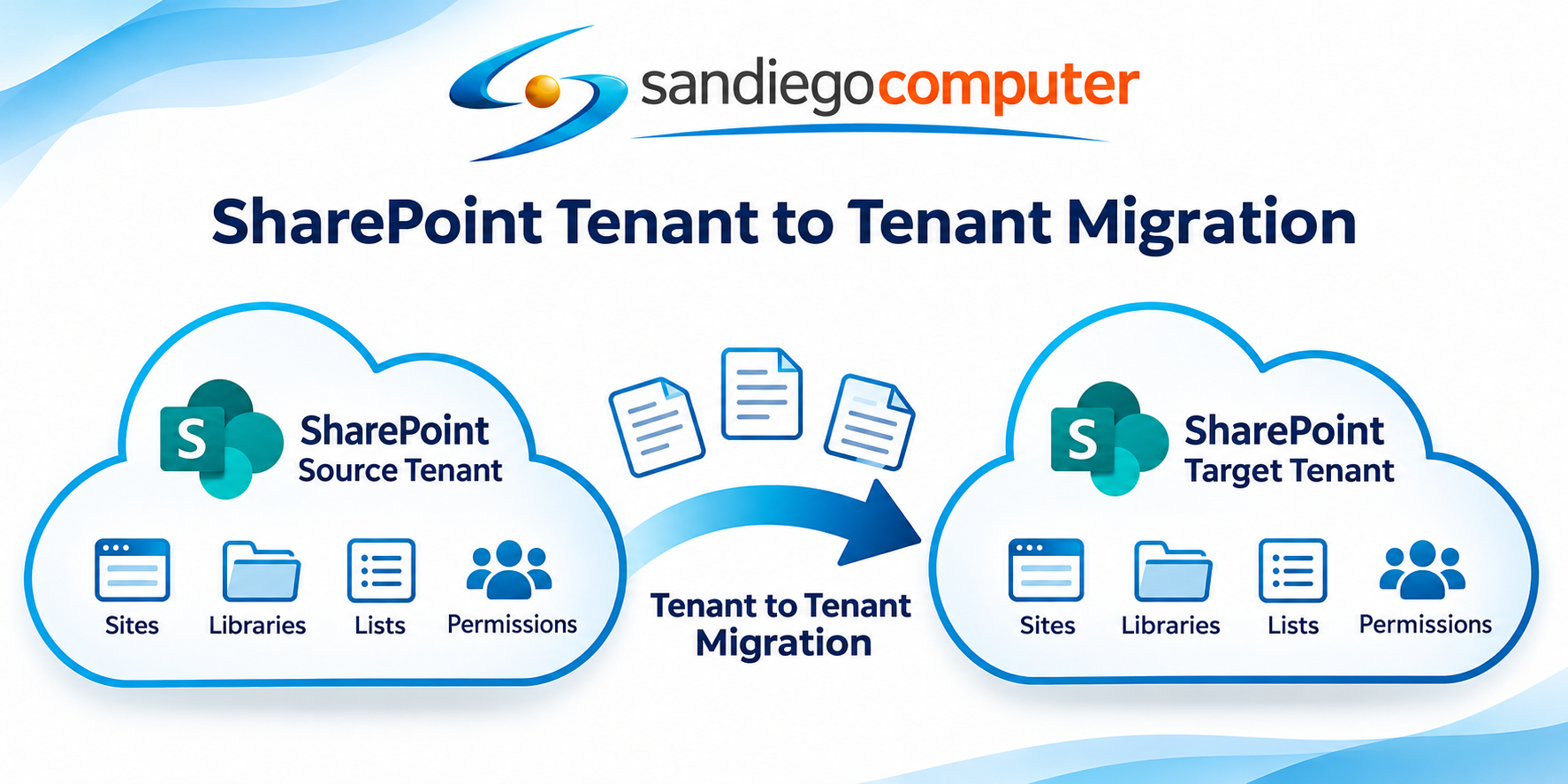
San Diego Computer Consulting® (SDCC) offers expert services for migrating SharePoint data from one Office 365 tenant to another a common requirement during domain transitions, organizational realignments, or compliance restructuring.
SharePoint tenant-to-tenant migration is straightforward with the right tools and preparation. A key part of this process is scheduling a freeze on data updates as any changes made to SharePoint during the move won’t carry over.
SDCC uses cloud-native migration tools to securely and efficiently transfer your full SharePoint environment, including:
We work with your team to define cutover windows that reduce disruption, protect data integrity, and ensure every critical component is migrated without loss.
SharePoint Tenant-to-Tenant Migration—Planning for Performance and Precision
Migrating SharePoint content between Office 365 tenants is a straightforward but detail-sensitive process. San Diego Computer Consulting® ensures your migration is successful by anticipating platform limitations and optimizing your data beforehand.
SharePoint content is transferred library by library, including folders, documents, metadata, and version history. However, it’s important to note:
Key SharePoint Limits to Respect
A tenant-to-tenant migration is the perfect time to assess your SharePoint health. SDCC provides pre-migration assessments to ensure every library is lean, scalable, and within Microsoft’s best practice thresholds—helping your team hit the ground running post-move.
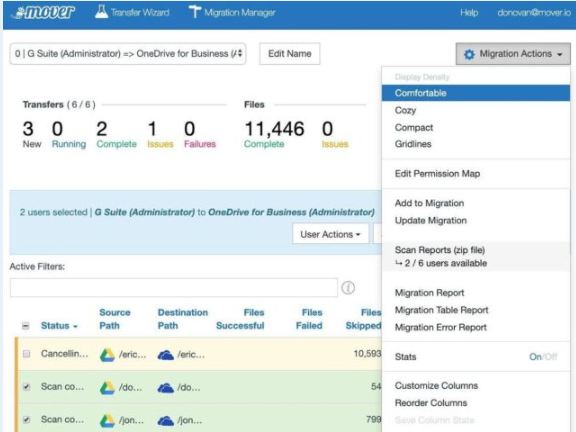
Timeline & Delta Restrictions
Government GCC Tenant Limitations
Planning ahead for these constraints helps ensure your SharePoint migration is smooth, compliant, and complete. SDCC provides expert assessments, tool-driven migration strategies, and full project coordination to keep your data safe and intact.
Considerations for OneDrive Tenant-to-Tenant Migrations
Permissions & Identity Mapping
Legal Hold Policies
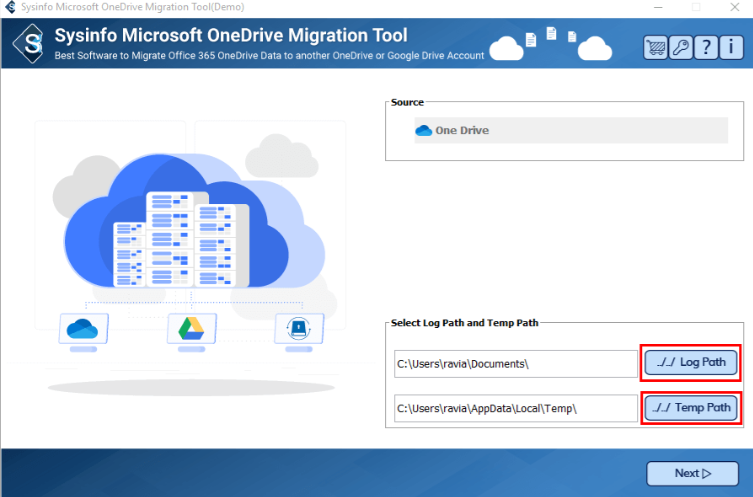
San Diego Computer Consulting specializes in converting Google Drive (G-Drive) environments to Microsoft SharePoint, helping businesses consolidate their data into a secure, centralized Microsoft 365 platform. Our engineers carefully evaluate existing files, folders, shared drives, and user permissions before beginning the migration. We convert Google Docs, Sheets, and Slides into their corresponding Microsoft Word, Excel, and PowerPoint formats where supported. Rather than simply moving data, we help businesses restructure and organize their files within SharePoint to improve collaboration, document management, security, and accessibility. Through careful planning, automated migration tools, data validation, and hands-on support, we provide a seamless transition with minimal disruption to daily business operations.

A SharePoint tenant-to-tenant migration involves transferring SharePoint sites, document libraries, files, folders, and other supported information from one Microsoft 365 organization to another. This is commonly necessary during business acquisitions, and mergers.
Yes. San Diego Computer Consulting can migrate SharePoint document libraries, files, folders, and supported metadata between Microsoft 365 tenants. Our engineers evaluate the existing environment and use specialized migration tools to transfer data while preserving its organization and structure whenever possible.
In many cases, permissions can be migrated or recreated in the destination tenant. However, user accounts and security groups must be properly mapped between the two environments. Our engineers carefully review these permissions to ensure employees maintain appropriate access to their documents.
Absolutely. We can coordinate SharePoint and OneDrive for Business migrations as part of a complete Microsoft 365 tenant transition. This allows organizations to move company document libraries alongside individual employees’ OneDrive files, providing a more complete migration experience.
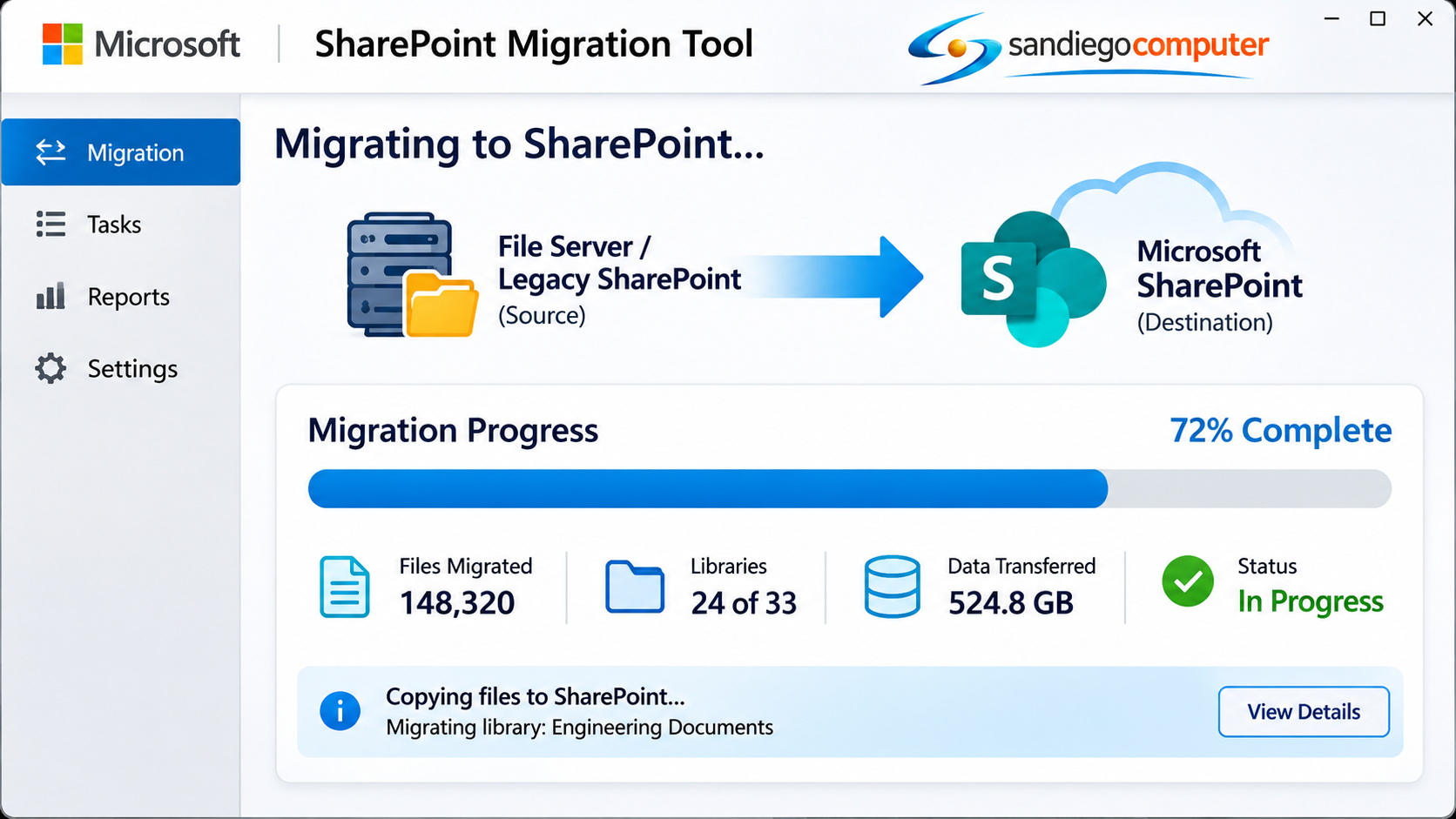
San Diego Computer Consulting uses specialized migration solutions such as ShareGate, BitTitan MigrationWiz, and SysInfoTools, depending on the project’s requirements. We may also use Microsoft-native migration capabilities where supported. These tools help transfer data, map users, track migration progress, and identify potential problems.
Yes. This is especially common when one business acquires another or when two organizations merge. We can migrate SharePoint data from one company’s Microsoft 365 tenant into another while carefully managing user identities, permissions, and document organization.
Many migration tools support transferring SharePoint document version history. However, the number of versions retained and the metadata preserved depend on the migration software, source environment, and destination settings. Our engineers review these requirements before beginning the migration.
Yes. Microsoft Teams stores its standard channel files in SharePoint Online. We can migrate these underlying document libraries as part of a broader Microsoft 365 migration. Teams conversations, membership, private channels, and other Teams components may require separate migration procedures and tools.