
Are you ready for AI? Are we ready for AI?

AI is here and is a paid solution that can work for your benefit helping with efficiency.

ChatGPT is an excellent start on the AI road.  Using ChatGPT something we have all heard about, you can ask it just about anything and it will do its best to asnwer you.   Using AI you can have do most any digital task and it can just about do it for you within reason.   There are many AI flavors out there including ChatGPT.   San Diego Computer Consulting supports Microsoft Copilot.   Copilot has several implementaitons.   However, in the most basic form, it is included with your Microsoft Office subscription.

Microsoft Copilot

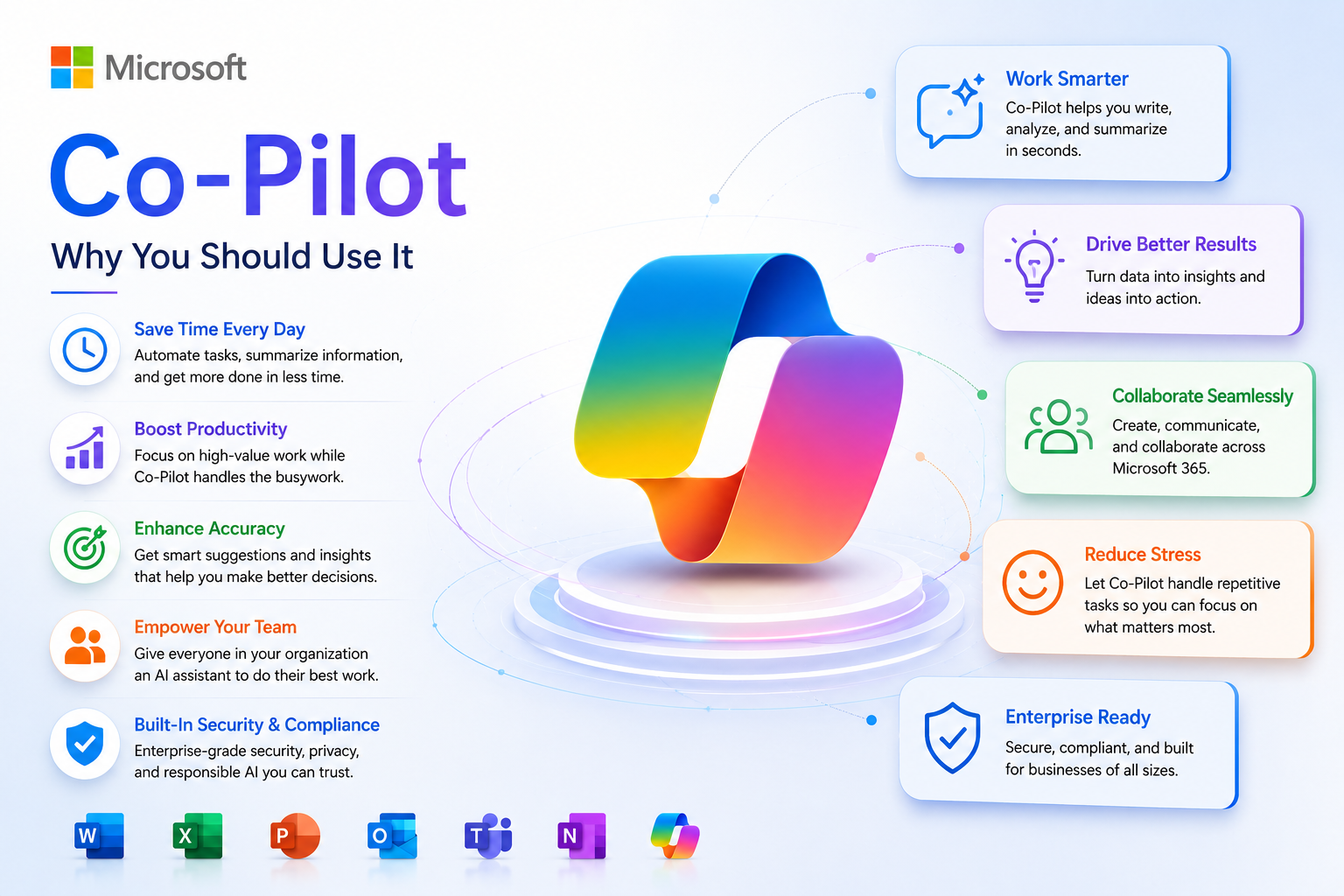
Why Microsoft Copilot, AI?

Microsoft Copilot, AI

Copilot AI is the solution that we at San Diego Computer Support.   Though there are many other options that are very good, Microsoft AI is a service that comes with your Microsoft 365 Office subscription.   And as your documents become more cloud based, you will be able to integrate Co-Pilot more easily to help you with reports, analysis, and writing tools that will help you with critical thinking and solutions.

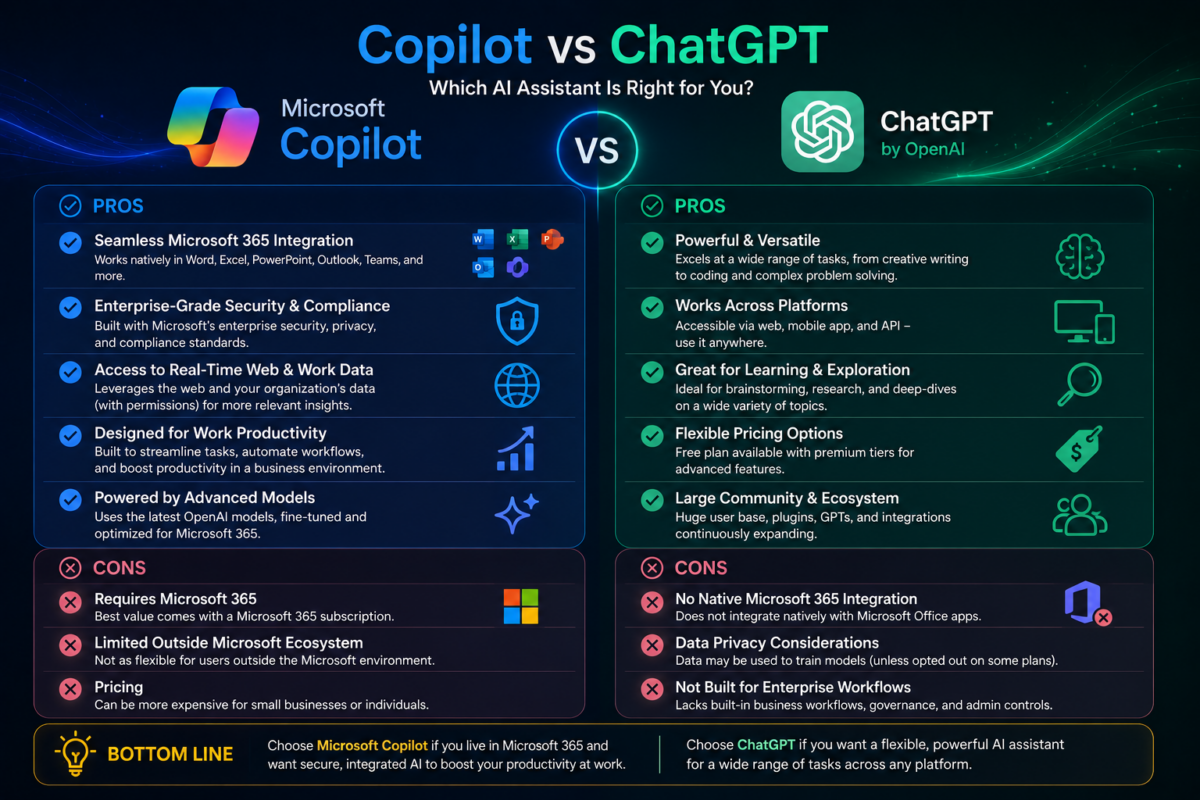
Why Copilot instead of ChatGPT?

Copilot fits naturally into the tools businesses already use.

It works inside Microsoft 365 — Outlook, Word, Excel, Teams — so people don’t have to learn a new system or switch apps to use AI.

It uses the company’s existing security and permissions.

Because it’s part of Microsoft’s ecosystem, it follows the same security rules your clients already rely on. Their data stays protected inside their Microsoft environment.

It understands their work automatically.

Copilot can use emails, documents, calendars, and Teams chats (only what each person already has permission to see) to give answers that are specific to their business. ChatGPT can’t do that without custom setup.

It’s built for productivity, not just conversation.

Copilot helps with real daily tasks — writing emails, summarizing meetings, analyzing spreadsheets, preparing presentations — right where the work happens.

How does copilot work with your company's data?

It uses the Microsoft Graph

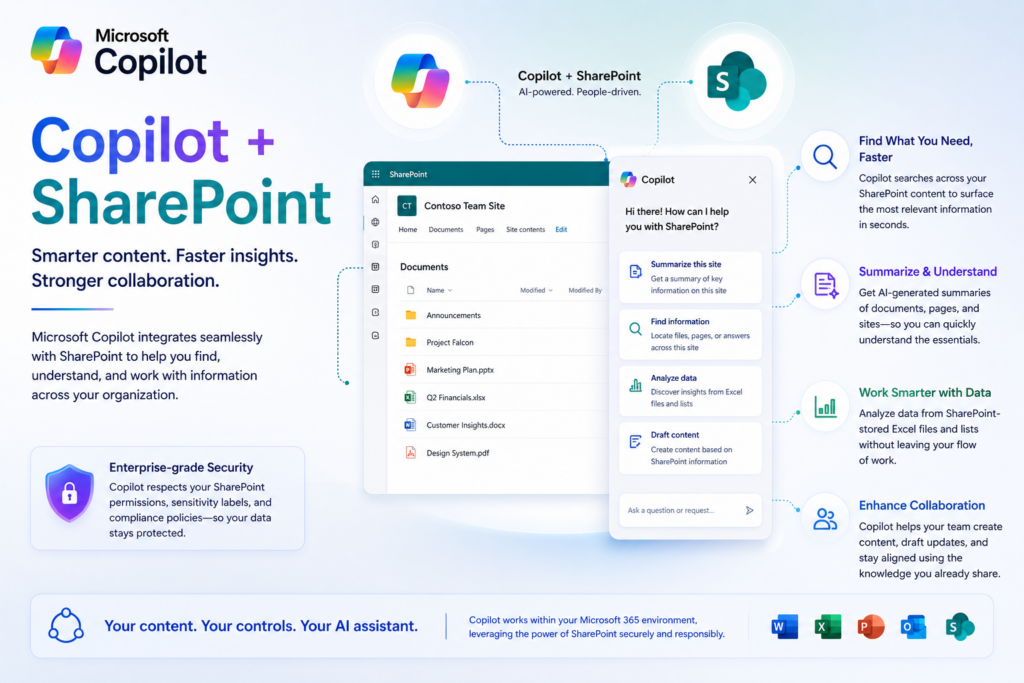
Copilot pulls information from the Microsoft Graph, which includes things like Outlook emails, Teams chats, SharePoint files, and OneDrive documents — but only the items a user already has permission to access.

This means Copilot doesn’t get “special access.”
It follows the same security rules your company already has in place.

It safely combines your data with the AI model 

Microsoft explains that Copilot works by coordinating three things:

  • Large language models
  • Your company’s Microsoft 365 data (with permissions)
  • The apps you use every day (Word, Excel, Teams, etc.)

This lets Copilot answer questions like:

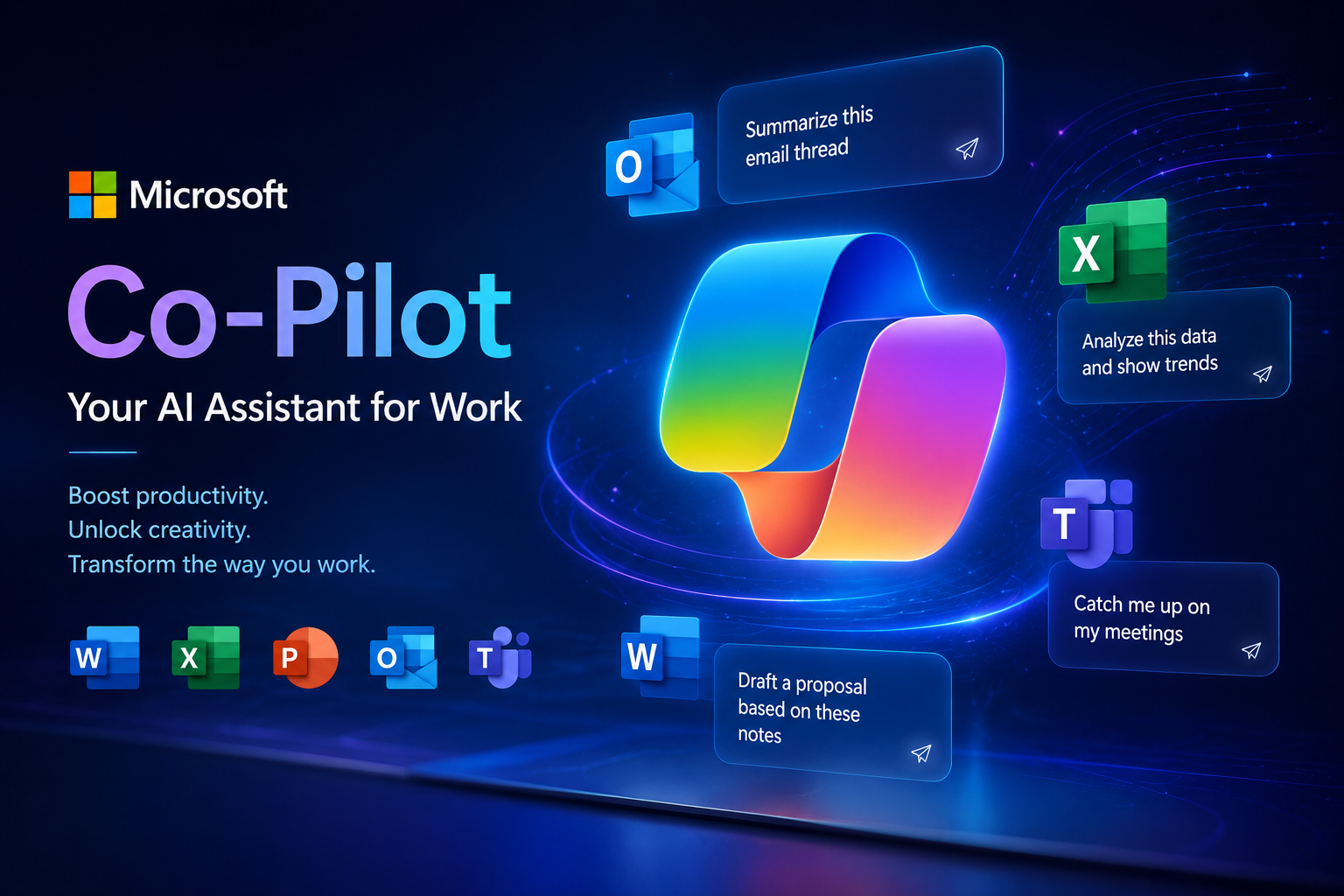
  • “Summarize this email thread.”
  • “Draft a proposal based on our last meeting notes.”
  • “Find the latest version of the budget spreadsheet.”

All without moving or copying your data outside your Microsoft tenant.

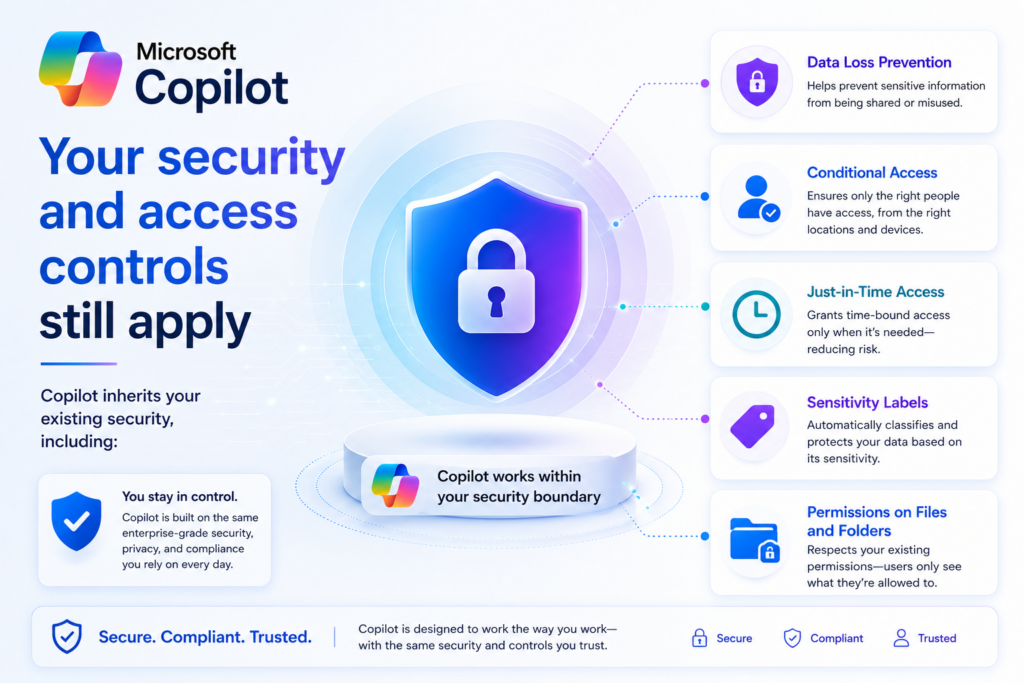
Your security and access controls still apply

Copilot inherits your existing security, including:

  • Data Loss Prevention
  • Conditional Access
  • Just‑in‑Time access
  • Sensitivity labels
  • Permissions on files and folders

Copilot Saftey!

If someone can’t open a file normally, Copilot can’t open it either

It never trains on your company’s data

Your internal documents, emails, and chats are not used to train the AI model.
They stay inside your Microsoft 365 environment, protected by the same compliance and privacy rules you already rely on

It can only surface what already exists

Copilot doesn’t create new access.
It simply makes your existing data easier to find and use — like a smarter, more helpful search engine inside your company’s ecosystem.

Copilot works inside your Microsoft 365 environment. It uses your existing security, respects your permissions, and never exposes data you don’t already have access to. It just makes your company’s information easier to find, understand, and use.

Convert Your Server to SharePoint